FROM A WAV FILE TO READABLE TEXT
Transcribe WAV Files
Main guide: Instagram transcript — paste a link, get the full text. This page covers one specific case in depth.
Yes — you can transcribe WAV files right here, free, with no signup and nothing uploaded. Drop a .wav file below and the audio is decoded in your browser and turned into plain text on your device. WAV is uncompressed PCM, so a recording from Windows Voice Recorder, a DAW, a Zoom call export, or a field recorder all go straight in — no converting to MP3 first. Choose the file, press the button, and the text appears below.
English is what this is tuned for — the most accurate path. For other languages, press precise mode after the first pass: slower, more accurate. The model loads on first use, then stays cached.
This does not look like English. The English model answers anyway — it puts English-shaped words over whatever it hears, so non-English audio comes back as invented words. Precise mode loads a larger multilingual model (about 80 MB, once) and is much slower, but it returns the language actually spoken.
The first press downloads about 80 MB. After that the model stays on this device and is not downloaded again — on mobile data, think twice.
Checking whether this device already has it…
WAV to text, without converting first
Most sites that promise WAV to text first ask you to compress the file to MP3 or re-wrap it before they will touch it. This one does not. A WAV is just uncompressed PCM audio — the raw samples the recorder captured — and browsers decode that format natively, so the file you exported from your machine goes straight into the transcriber. No extra app, and no quality loss from re-encoding something that was already captured at full fidelity.
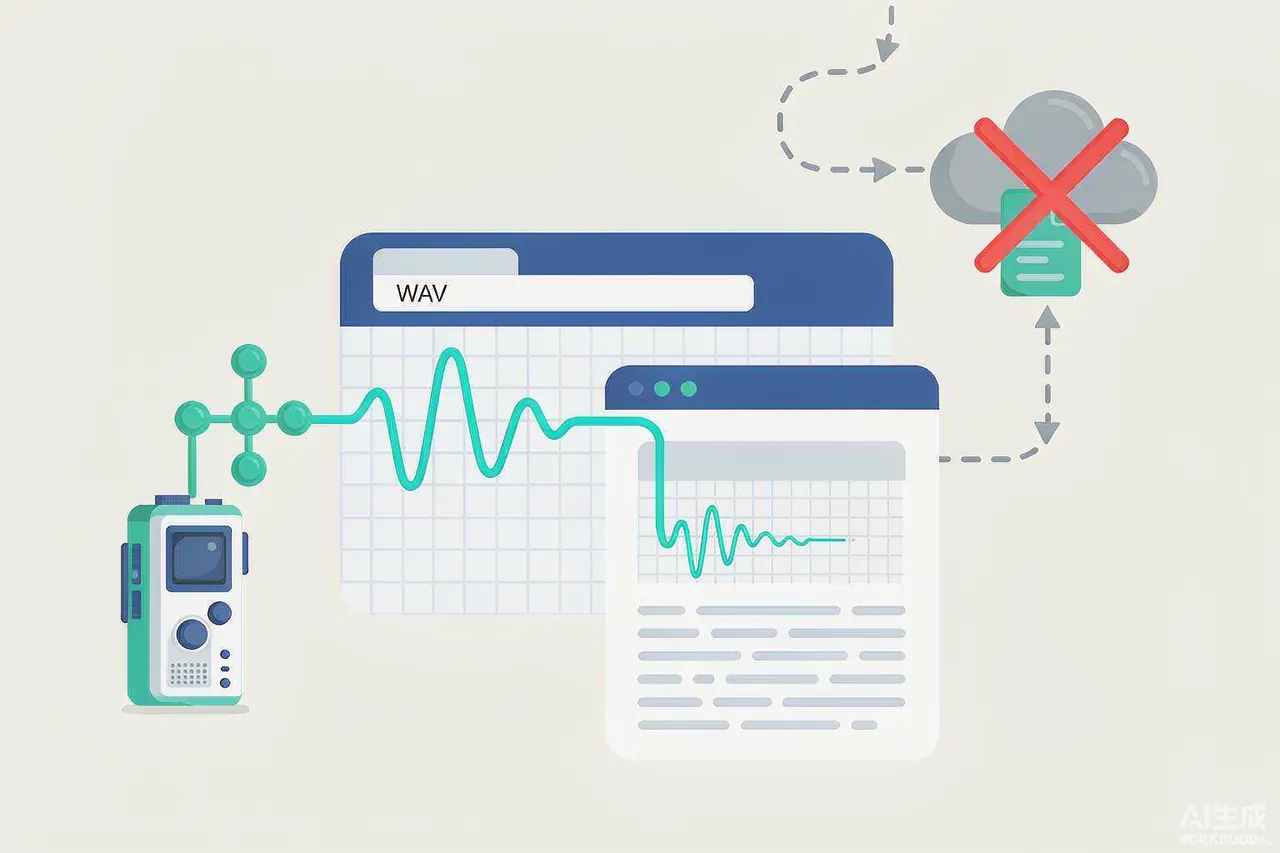
WAV transcription, free
WAV transcription is free here in the plain sense: no account, no quota, no watermark on the output. Because the model runs on your device, there is no per-file cost to pass on, and the text you get is yours to copy or download as a .txt. The free path is the one every visitor gets by default, not a trial that expires.
Transcribe WAV files in one tab
To transcribe WAV files you do not leave this tab. Pick the file, press the button, and the transcript appears below — the audio never travels to a server, so there is nothing to wait on beyond the first model download. Close the page and the file is gone; nothing about it is stored anywhere.
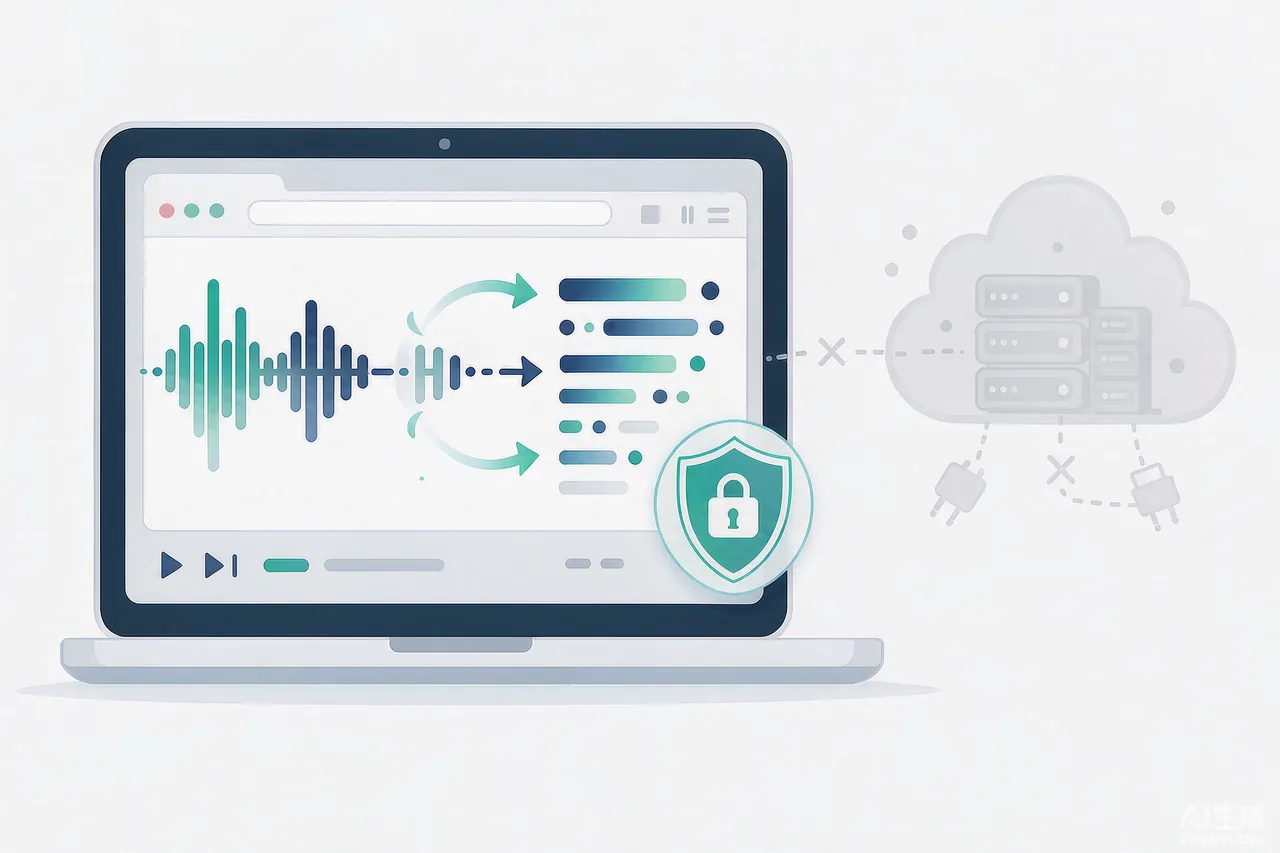
A WAV to text converter that handles the file size cloud tools reject
WAV is uncompressed, so a real recording is large: a few minutes of CD-quality stereo is tens of megabytes, and a long session is hundreds. Upload-based transcribers choke on that — they time out, cap the file size, or bounce it back with “file too large.” This WAV to text converter runs locally, so the only limit is the one enforced before decoding starts (25 MiB and 5 minutes), and there is no upload step to wait out. If a tool has already rejected your recording for being too big, this is the page built for exactly that case.
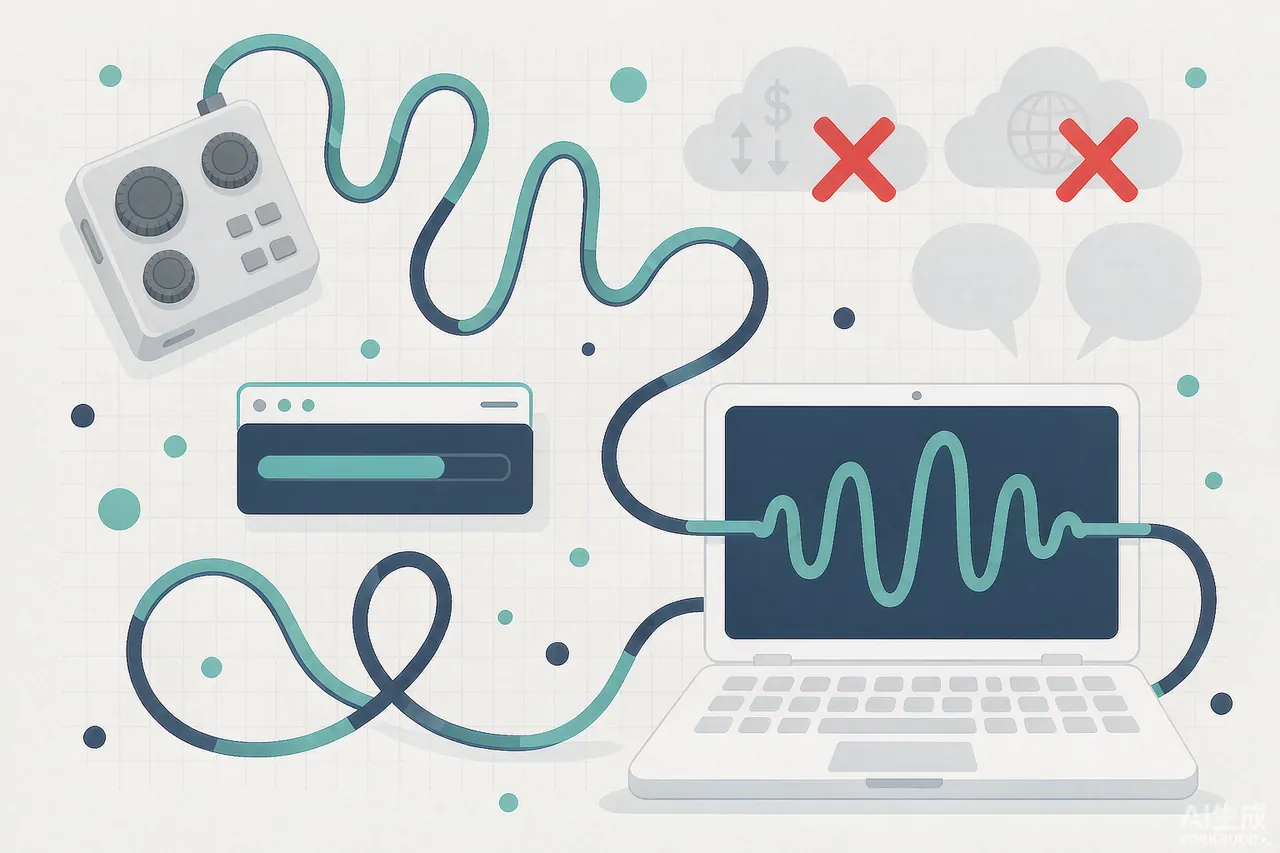
WAV to text converter, free
Free and a WAV to text converter are not usually the same sentence on the web — the free tier is where limits get quietly dropped, and size limits are the first to go. Here both hold: the converter accepts WAV at no cost, and the ordinary, no-signup path is what you get without asking for anything else.
WAV to text, free of uploads
The part that is free in the most useful way is the upload: there is none. WAV to text, free of a server round-trip, means the recording stays on your device the whole time. For voice notes and recordings that is the difference between a tool you will actually use and one you open once and close.
Transcribe WAV files for free — when the file is already WAV
You can transcribe WAV files for free the moment the recording lands, because you start from WAV and never pay a conversion step. Hit the button, get the text, and if the audio is not English, precise mode loads a larger model once and returns the language actually spoken instead of guessing with English-shaped words.
Why WAV is its own case: lossless PCM and the recorders that make it
WAV is not a fringe format — it is the lossless default almost every recorder produces. Windows Voice Recorder saves .wav; Audacity and most DAWs export it; Zoom call recordings, dictaphones, and field recorders all land on WAV when you capture at full quality. That is the format this page was built around, and it is exactly the one cloud tools refuse for being too heavy to upload.
Two things are worth knowing before you share. First, because WAV is uncompressed, a long file is genuinely big — that is why this page enforces a 25 MiB / 5 minute ceiling before decoding, rather than rejecting it after a slow upload. Second, PCM inside WAV is decoded by the browser itself, so whether the receiver’s machine can “play” WAV in a media player does not matter here; only the audio track is read. This page takes the WAV your recorder already made and turns it into text without asking you to change it first.
Three things that never happen to your file
First, the file is not uploaded — there is no upload step at all. Second, decoding happens locally in this browser tab. Third, when you close the page, it is gone — no history, no account, nothing stored. This is the hardest claim on this page, which is exactly why it is stated plainly instead of buried in a policy document.
Supported formats and limits
WAV, MP3, and M4A with an audio track — up to 25 MiB and 5 minutes, both enforced before any decoding starts. WAV is uncompressed PCM, so it is listed first; MP3 and M4A go through the same local path. English audio is the accurate path; other languages work through precise mode, which loads a larger model only when you press the button.
Coming from a video file rather than an audio recording? The MP4 to text converter runs the same steps on the audio inside an MP4, MOV, or M4V.
FAQ
- Is this WAV to text converter really free?
- Yes — no signup, no quota, no watermark. The transcription runs on your device, so there is no per-file cost to pass on.
- How do I transcribe WAV files here?
- Choose the WAV file, press Transcribe, wait for the model to load on first use, then copy or download the text. There is nothing to install and no conversion step.
- Is my WAV uploaded to a server?
- No. Decoding and transcription both run in this browser tab; the file never leaves your device.
- Why do some tools reject my WAV?
- WAV is uncompressed, so real recordings are large. Upload-based transcribers time out or cap the size and turn the file back. This page reads WAV natively and runs locally, so the only limit is the 25 MiB / 5 minute ceiling enforced before decoding.
- What formats can I convert to text?
- WAV, MP3, and M4A with an audio track, up to 25 MiB and 5 minutes — the same limits enforced on this page.
- Does it work on non-English audio?
- The default model is tuned for English. For other languages, press precise mode after the first pass — it loads a larger multilingual model once and returns the language actually spoken.
Have an MP3 instead of a WAV?
If the file on your disk is an MP3 rather than a WAV, the MP3 to text converter runs the same local transcription flow — choose the file and the same decode-then-transcribe path runs on it.
Have an Instagram link instead of a file?
If what you have is an Instagram link rather than a local file, use the Instagram transcript generator on the home page — paste a public Reel link and the same local transcription flow runs on the audio it fetches.