Instagram Video to Text: Private, Deleted and Expired Links
When an Instagram video to text conversion fails, the tool tells you it could not get the video. That is true of four completely different situations.
Short answer: a conversion fails for exactly one of four reasons — the post was deleted, the account is private (or you were blocked), the story expired, or the link itself is malformed. Every tool reports all four with the same line of text, because from the server’s point of view they all look identical. Three of the four cannot be fixed by you at any price, so the useful question is not “how do I retry” but “which of the four is this”, and you can answer that in about twenty seconds by opening the link in a browser window that is not logged in. Retrying only ever helps with the fourth one.
Visual guide: A failed fetch is only a symptom
Separate unavailable content, access restrictions and malformed links before deciding to retry.
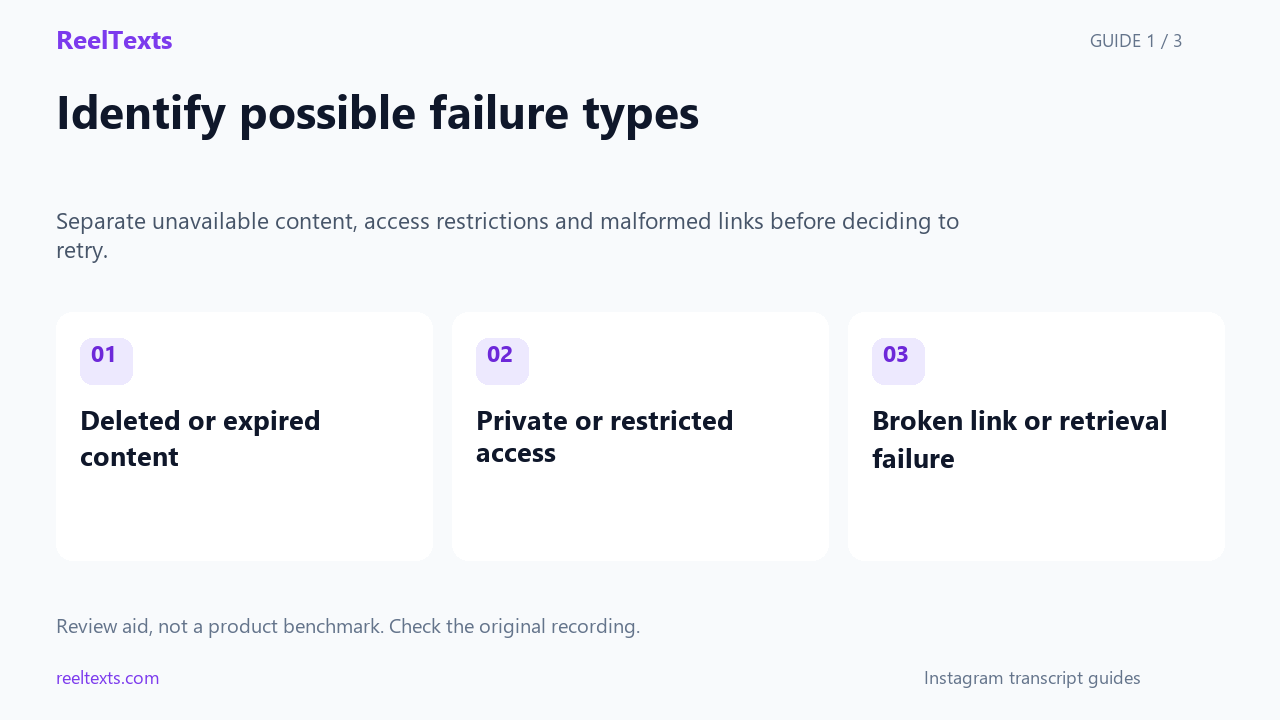
- Deleted or expired content
- Private or restricted access
- Broken link or retrieval failure
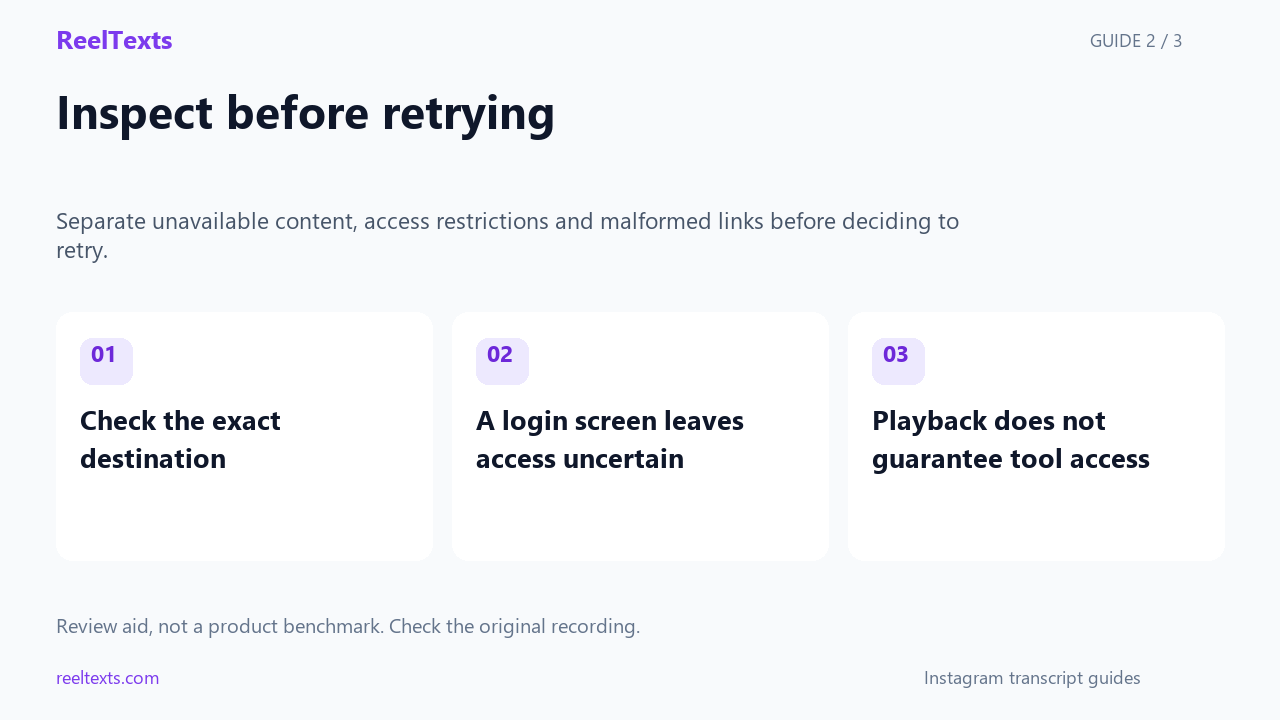
- Check the exact destination
- A login screen leaves access uncertain
- Playback does not guarantee tool access
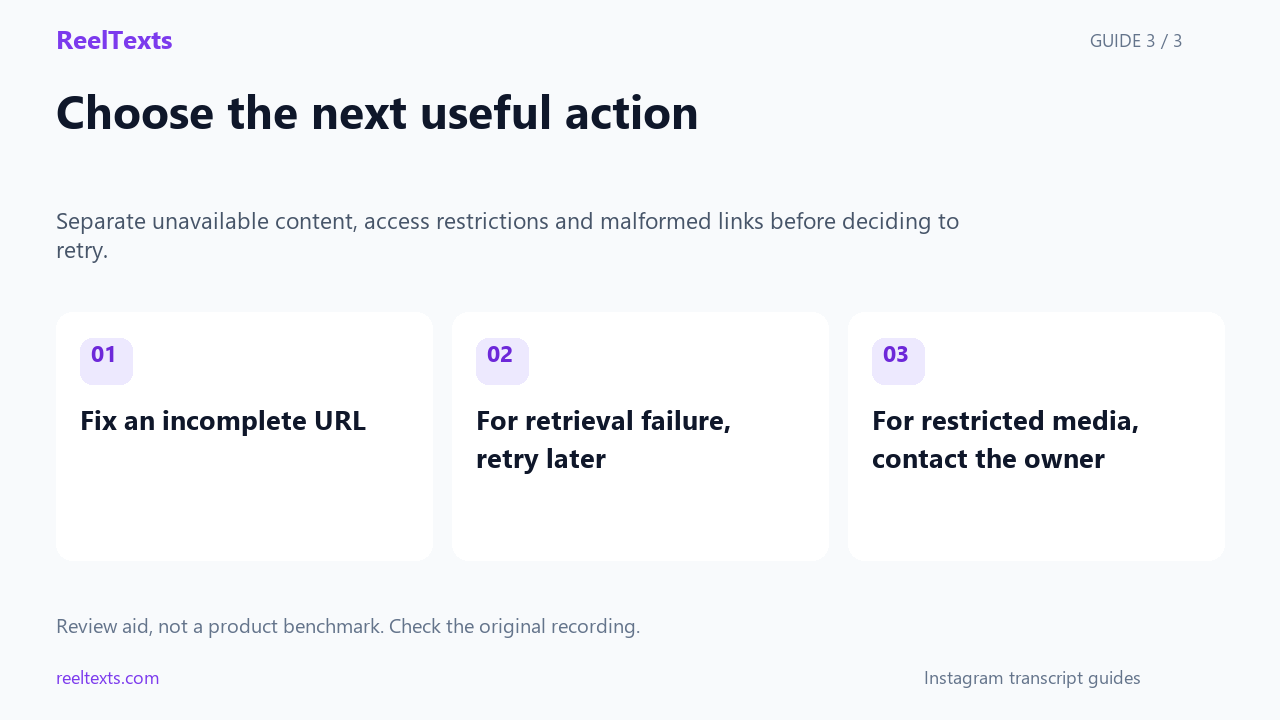
- Fix an incomplete URL
- For retrieval failure, retry later
- For restricted media, contact the owner
Watch the narrated guide
English narration with captions. This guide explains the article; it is not a recorded product test.
Read the narration
A failed download does not identify one unique cause. The video may be unavailable, restricted or referenced by a broken link. The retrieval service itself can also fail. Keep those possibilities separate instead of diagnosing from one generic error.
Open the exact destination if you can. A login screen leaves the access question unresolved rather than proving the account is private. Even when a video plays for you, a tool may be unable to retrieve it through its separate public-link workflow.
Correct a clearly incomplete link before retrying. For a service retrieval failure, a later attempt may be more useful than repeated submissions. For restricted or unavailable media, seek an authorized source from the owner. Do not attempt to bypass private access.
Four failures that produce one error message
Start by naming the states properly, because the words people use for them are misleading. “The link doesn’t work” covers a post that no longer exists, an account that never wanted to be public, a story that aged out, and a URL that got truncated in a chat app. They have different causes, different owners, and different outcomes.
| State | What actually happened | Who can still see it | Can you fix it? |
|---|---|---|---|
| Gone | The post was deleted, removed by Instagram, or the whole account was deactivated | Nobody, including the poster | No. Nothing you do brings the audio back. |
| Hidden | The account is private, or the poster blocked you specifically | Approved followers only | No — only the owner can change it, and blocking is permanent from your side. |
| Gated | Instagram wants a login, an age check, or the content is limited to certain regions | Logged-in users in an eligible region | Sometimes. A login gate is usually passable; a region limit is not something you can fix from your end. |
| Broken | The URL was cut short, re-encoded, or is a story link that aged out | Anyone holding a correct link | Yes — this is the only state that is genuinely yours to solve. |
The distinction that matters most: “unavailable to a machine” and “unavailable to you” are not the same thing. A private account’s video is perfectly available to its followers, and a region-limited post is available to people in the right country. The tool is neither a follower nor in that country, so it gets nothing either way. That is why “I can watch it, so the tool must be broken” is such a common and understandable conclusion — and why it is wrong.
Why the error message can never help you
Understanding the mechanism saves a lot of retrying. When you paste a link, the tool does not use your Instagram session. It has none. It asks Instagram’s servers for the media as an anonymous stranger, exactly as if a visitor from a country you have never been to had typed the URL into a browser with no cookies.
From the server’s side, that stranger is in the same position for all four states. A deleted post, a private post, a blocked viewer, a region-limited post and an empty payload all resolve to the same answer: there is no media here for you. The web does have separate words for some of this — a page that never existed and a page that was deliberately removed are different responses in the HTTP specification — but platforms rarely bother to preserve that distinction, and even when they do, the tool is in no position to explain it to you. It reports what it can prove: it did not get the video.
So stop reading the error message as a diagnosis. It is a symptom report. The diagnosis has to come from you, from the outside, and it takes about twenty seconds.
The twenty-second test, in a window that is not logged in
Do this in a private browsing window, or in any browser where you are not signed in to Instagram. Being logged out is the point: it puts you in the same position as the tool.
- Open the exact link you tried to convert. Three outcomes, and each one ends the test early.
- A login or sign-up screen → you are in the Gated state. The content may be perfectly public; Instagram is simply asking a stranger to identify themselves. This is a different problem with a different fix, covered in the login-wall guide.
- The video plays → the link is fine and public. If a tool still failed, the problem is on the tool’s side, not the link’s, and it is worth trying once more before you assume anything else.
- “Sorry, this page isn’t available” or “This content isn’t available right now” → keep going.
- Open the poster’s profile in the same logged-out window. This is the step that separates the remaining three states, and it is the step almost nobody runs.
- The profile loads and shows a grid of posts, but this one is not among them → the account is public, so the post is Gone. It was deleted, or it was archived by its owner.
- The profile loads but shows a padlock and no posts, with a Follow button → Hidden. Either the account is private, or the owner blocked you. From the outside those two are indistinguishable, and they have the same practical answer.
- The profile itself is unavailable → the whole account is gone, deactivated, renamed, or removed. Every post on it is Gone with it.
- Look at the link’s shape. If it contains
/stories/, you already have your answer: story links expire with the story. If it contains a..., a space, or a shortcode that is noticeably shorter than the others you have seen, it is Broken. See the link-shape table below. - Only then decide whether to retry. Broken links are worth fixing and re-running. The other three are not worth a second attempt, and repeating the run just burns your time.
Which state are you in?
The diagram below is the test, compressed. It is the whole page in one picture.
Decision diagram, not a screenshot. It describes link states, not any particular app version, so it stays accurate as Instagram ships changes.
The only state you can actually fix: a broken link
If you are in the Broken state, the fix is mechanical and it is worth doing properly, because a surprising share of “deleted post” reports are really a URL that lost characters on its way to you. Chat apps wrap long links, email clients escape them, and note apps silently drop anything after a certain character. Here is what each link form means.
| Link shape | What it points at | Survives a copy-paste? |
|---|---|---|
/reel/<code>/ |
A single Reel. The code is a permanent identifier for as long as the post exists. | Yes. This is the form to aim for. |
/p/<code>/ |
A photo post or carousel. Same permanent-code logic. | Yes. |
/tv/<code>/ |
An older long-form video. | Yes. |
/reel/<code>/?igsh=... |
The same Reel, plus a share-attribution parameter added by the app. | Yes. The trailing part can be stripped without harm. |
/share/reel/<code>/ |
A redirect wrapper produced by the share sheet. It resolves to the canonical form. | Usually, but the wrapper is the part most likely to break in transit. |
/stories/<user>/<id>/ |
A story. Stories are removed roughly a day after posting. | Irrelevant — the target itself has a lifetime. |
Anything with ..., a space, or a short code |
Nothing. The link was truncated somewhere along the way. | No. Ask for it again, or take it from the source. |
Two practical notes. First, if the link ends in a redirect wrapper, open it once yourself and copy the address the browser lands on — that is the canonical URL, and it is the one a converter wants. Second, if the code in your link looks shorter than codes you have seen elsewhere, it was cut. Shortcodes on a platform are a fixed width, so a short one is a truncated one.
Why “expired” is usually the wrong word
People reach for “the link expired” because it suggests a timer, and a timer suggests something that might restart. It almost never works that way. An Instagram share link is not a signed token with a lifetime. The code in a /reel/ URL is a permanent identifier: it points at the same post forever, and if the post disappears, the link did not expire — its target did. The URL never changed. There is nothing to renew.
There is exactly one common Instagram link that genuinely has a lifetime, and it is the story link. A story is visible for roughly a day and then stops being served. That is a real expiry, and it is the only case where the phrase fits. A story that was saved to a highlight gets a different, more durable address, which is worth checking before you write the content off.
The practical value of this distinction is that it tells you whether waiting helps. Waiting helps with nothing here. A deleted post stays deleted, a private account stays private until its owner decides otherwise, and a region limit does not lift on a schedule. Only a malformed link gets better, and it gets better immediately, because you fix it.
What can still be salvaged from a dead link
“The audio is unrecoverable” does not mean “there is nothing left”. Depending on the state, several other things survive, and for most people one of them is what they actually needed.
| State | What survives | How to get at it |
|---|---|---|
| Gone | The caption, sometimes, in search-engine result snippets and in any page that quoted it | Search for a distinctive phrase from the post. This finds text, never audio. |
| Gone | An archived snapshot, if the post was public and someone archived it while it was live | Try a web archive lookup on the exact URL. Coverage is hit and miss and skews to popular posts. |
| Gone | Any words burned into the video frames, which survive in thumbnails and in reposts | Text recognition on the thumbnail image. Speech recognition is the wrong tool for this. |
| Hidden | The whole video, for followers | Only the owner can widen access. Everyone else is out of options. |
| Gated | The whole video, for a logged-in viewer | Work through the login-wall path rather than assuming the post is gone. |
| Broken | Everything — the post was never missing | Rebuild the canonical URL and run it again. |
Notice what is absent from that table: no row recovers audio. Once the post is gone, the recording is gone with it, and no amount of re-running a converter will change that. If you need the spoken words specifically and the post is Gone, the honest answer is that they are not available.
If the account is private, ask for the right thing
A private account is not a dead end, it is a permission problem, and permission problems have owners. The mistake people make is asking the owner to “make it public”, which is a big ask that they will reasonably refuse. Ask for the output instead of the access.
Something like this works, and it costs the owner almost nothing:
“I want to use the wording from one of your videos. I can’t read it because the account is private. Could you paste the caption and the spoken lines as text, or send me the text file if you have one? I don’t need the video itself.”
That request is easy to say yes to, it does not require the owner to change any privacy setting, and it gets you the thing you were going to extract anyway. If the owner is not reachable, or is a large account whose messages are never read, then the answer is simply that the content is not available to you, and no tool changes that.
The retry trap
Retrying is the most common response to a failed conversion and it is the least useful one, for a specific reason: the four states have different relationships with time.
- Gone. Retrying is guaranteed to fail forever. The post does not come back. Stop.
- Hidden. Retrying fails until the owner changes a setting you cannot influence. Stop.
- Gated. Retrying from the same place fails identically. Change the approach, not the attempt count.
- Broken. Retrying the same bad URL fails the same way, but fixing the URL and running once succeeds immediately.
There is one genuine exception, and it is worth knowing because it is the only time the word “temporary” is accurate: a request that was refused for rate limiting or a transient server error. That looks different from the four states above — the link itself still opens fine in your own browser while the tool fails — and it is the one failure that a wait and a second attempt actually resolves. If the link opens for you but the tool fails repeatedly, that is a tool-side problem and a retry is the right first move. If the link does not open for you either, no amount of retrying is going to help.
Questions people actually ask
- Why does the tool say it can’t find a video when I can watch it right now?
- Because you are logged in and the tool is not. A private post, a blocked viewer and a region-limited post are all visible to you in a way they are not visible to an anonymous request. Open the link in a private browsing window and you will usually see what the tool sees.
- Can an Instagram video to text tool read a private account if I am a follower?
- No. The tool does not use your session, so your follow relationship does not travel with the link. The content being visible to you and being available to an anonymous request are two different things.
- Does an Instagram link expire?
- Share links do not. The code in a Reel or post URL is a permanent identifier and points at the same post indefinitely. The only Instagram link with a real lifetime is a story link, because stories themselves are removed after about a day.
- How do I tell a deleted post from a private account?
- Open the poster’s profile while logged out. If it loads with a normal grid of posts and this one is missing, the post was deleted or archived. If it shows a padlock and no posts, the account is private or you have been blocked.
- I was blocked. Can I tell the difference between that and a private account?
- Not from the outside. A block and a private account present identically to a logged-out visitor. Both mean the content is not available to you and neither is something you can resolve yourself.
- What if the whole profile is unavailable too?
- Then the account is deactivated, deleted, renamed or removed, and every post that was on it is gone with it. There is no version of the link that works, and no tool will recover the audio.
- Can I get the transcript from a cached or archived copy?
- Text, sometimes: result snippets and archived snapshots can preserve a caption or a quoted line. Audio, no. An archive stores the page, not the recording, so it can never yield a transcript.
- Is it worth waiting and trying again later?
- Only for a rate-limited or transient failure, where the link still opens for you in your own browser. For a deleted post, a private account or a malformed URL, waiting changes nothing at all.
The bottom line
A failed conversion is not one problem, it is four, and the message you get back deliberately cannot tell them apart. So do the diagnosis yourself, in a window that is not logged in: does the link open, does the poster’s profile still exist, and does the URL still have all of its characters. That test sorts Gone from Hidden from Gated from Broken in about twenty seconds. Only Broken is yours to fix, only Gated is sometimes passable, and for Gone and Hidden the honest answer is that the audio is not available to you — at which point the useful move is to ask the owner for the text rather than for access.