Instagram Transcript Generator: When the Link Demands a Login
The wall in front of your link is usually not about privacy. Here is what it actually is, and how to get past it.
Short answer: Instagram shows a “Log in to continue” screen for several unrelated reasons, and only one of them means the post is off-limits. Most of the time the video is still public and Instagram is gating the page view, not the media — and the run fails because the link you copied is a share-sheet short link or still carries tracking parameters. Normalize the link first; that alone clears most login walls without ever signing in.
Visual guide: A login screen is not a diagnosis
Distinguish access restrictions from link shape; do not promise that URL cleanup removes every login wall.
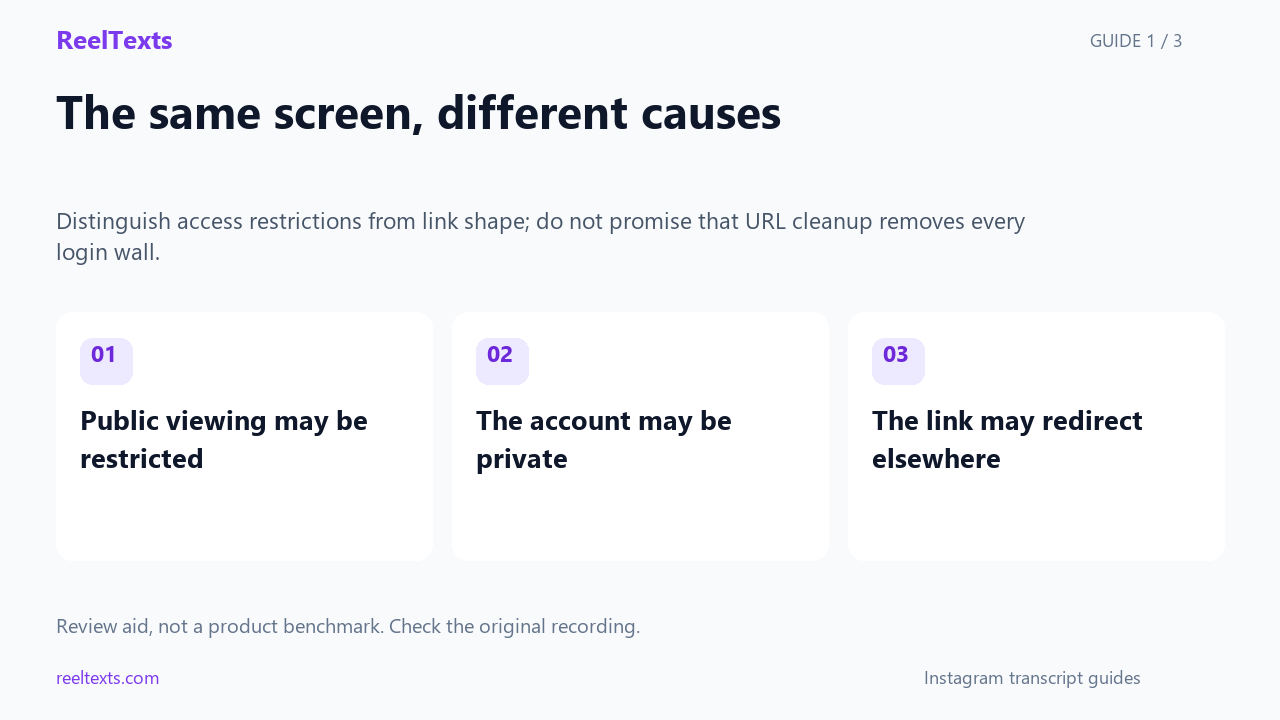
- Public viewing may be restricted
- The account may be private
- The link may redirect elsewhere
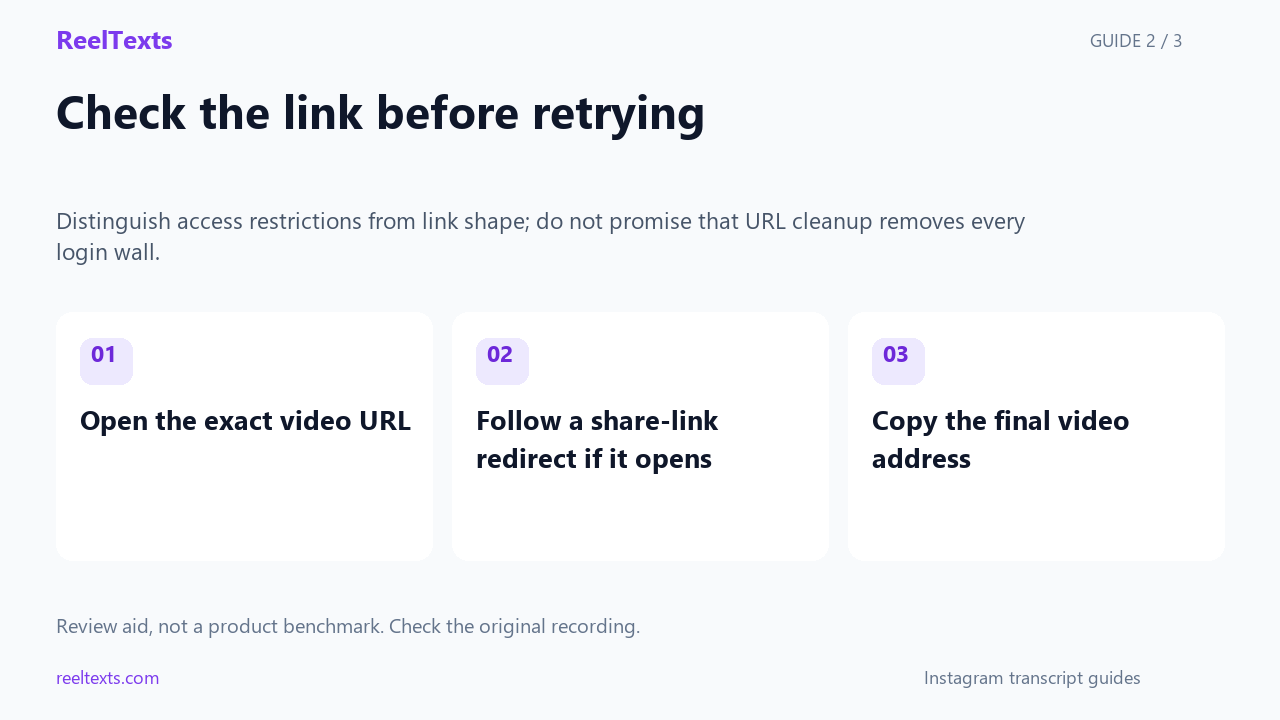
- Open the exact video URL
- Follow a share-link redirect if it opens
- Copy the final video address
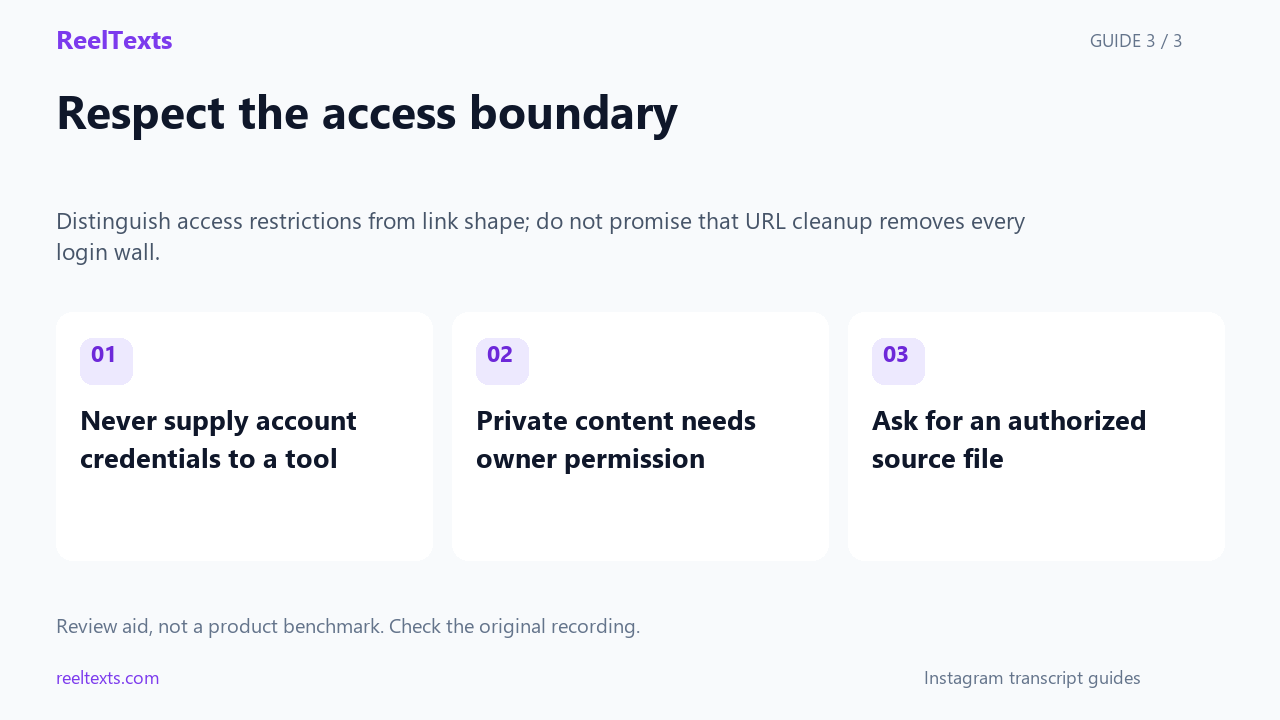
- Never supply account credentials to a tool
- Private content needs owner permission
- Ask for an authorized source file
Watch the narrated guide
English narration with captions. This guide explains the article; it is not a recorded product test.
Read the narration
A login screen alone does not establish why a video is inaccessible. Public viewing restrictions and private accounts can look similar. Check the exact link and available access information before deciding what to try next.
If a shared link opens successfully in your browser, copy the final video address rather than a profile or feed URL. Link cleanup can help with some address problems. It does not guarantee access or remove privacy restrictions.
Do not send your Instagram password or session to a transcription tool. A public-link workflow has its own access limits. For content that is not accessible through the link, ask the owner for a file you have permission to process.
Four walls that all look like one wall
Instagram reuses the same login screen for situations that have nothing to do with each other. The screen itself tells you almost nothing; the behaviour around it tells you everything. Here is how to tell the four apart.
| What you actually see | What is happening | Is the video reachable? | What to do |
|---|---|---|---|
| The Reel plays for a few seconds, then an overlay slides up asking you to log in | Logged-out viewing throttle. The page is public; Instagram is limiting how much it serves to anonymous visitors. | Yes | Ignore the overlay. Normalize the link and paste it into the tool — the throttle does not affect the media file. |
You land on a login screen instantly, and the address bar holds a /share/reel/ link |
A share-sheet wrapper built to hand the link off to the app, not a normal post URL. | Usually yes | Open the link once in a browser, let it settle on the real post, then copy the address bar. |
| The page asks you to log in and shows a follow button instead of the video | The account is genuinely private. | No | Stop. No tool can reach the audio of a private post — only the owner can send you the file. |
| The identical link worked yesterday, and today it redirects to a login screen | Rate limiting aimed at the network rather than the post — typical of VPNs, shared connections and cloud IP ranges. | Yes | Turn the VPN off and retry from an ordinary home or mobile connection. |
Any wall at all on a link containing /stories/ |
Stories are never served to logged-out visitors. | No | There is no workaround. Ask the poster to save the Story or send the clip. |
Only two of those five rows are a dead end. The rest are a link problem or a network problem, and both are fixable in under a minute.
Logged out is not the same as private
This is the misunderstanding that costs people the most time. A login wall is a gate on the page. Privacy is a lock on the media. They are not the same thing, and Instagram is content to let you conclude otherwise.
Two checks separate them.
- Does the video play at all before the wall appears? If you can see even a few seconds of the Reel, the media file is being served to an anonymous visitor. The post is public. The wall is a nudge, not a boundary.
- Does the public embed endpoint answer? Instagram has published an oEmbed endpoint for years at
https://api.instagram.com/oembed/?url=<post-url>. For a public post it returns JSON — the caption, the author name, a thumbnail — with no login and no session. If it answers, the post is public. If it errors, the post really is unavailable.
Be careful about what that proves. The embed endpoint returns presentation data: caption text, author, thumbnail. It never returns the media stream and it never returns a transcript. It can tell you a post is public; it cannot give you the spoken words.
That ceiling is worth internalising, because it explains why every working transcript tool behaves the same way. Nothing can “read” a transcript out of Instagram, because Instagram never publishes one. A tool has to reach the video file and listen to the audio itself. So the only question that matters is whether the media file is reachable — and that is decided by the link form, not by your login status.
The link form decides everything
Instagram generates several shapes of URL for the same post, and they are not interchangeable. This is the single most useful thing to know about login walls, and it is the thing no tool’s help page tells you.
| Link form | Where it comes from | Readable by a resolver? | What to do |
|---|---|---|---|
instagram.com/reel/CxAbC123/ |
The address bar, once the page has settled | Yes | Use as-is. |
instagram.com/p/CxAbC123/ |
Feed posts and carousels | Yes | Use as-is. |
instagram.com/tv/CxAbC123/ |
Older long-form video | Yes | Use as-is. |
instagram.com/reel/CxAbC123/?igsh=… |
“Copy link” on some builds | Yes — those parameters are tracking data | Delete everything from the ? onward. |
instagram.com/share/reel/AbCdEf/ |
The modern in-app share sheet | Not reliably — it is a redirect wrapper | Open it once in a browser and copy the URL it lands on. |
instagram.com/stories/user/12345/ |
Stories | Never | No route. Ask the poster. |
The fix for the two problematic rows is the same twenty-second routine.
- Paste the link into the address bar of a browser that is not logged into Instagram. A profile you have never signed into is ideal; a private window on a logged-in browser is the next best thing.
- Press Enter and let the page settle. A
/share/link will redirect once or twice before it stops moving. - Look at the address bar. You now have the canonical form:
/reel/,/p/or/tv/, followed by an ID. - Delete everything from the first
?to the end of the URL. That trailing block is tracking and attribution data; it never changes which post you are asking for. - Copy what is left and paste that into the transcript tool.
If a guide tells you to append ?__a=1 to get JSON out of a post, that guide is stale. The route stopped answering without a session years ago, and following it only adds another parameter to strip.
A sixty-second check before you run anything
Five questions, in this order. The first “no” tells you what to fix, and stopping early saves a wasted run.
- Does the URL contain
/share/or a?? If yes, normalize it first. Do not paste a share-sheet link into a tool and then wonder why it failed. - Does the post play in a browser you have never logged into Instagram with? If no, check whether the account is private before you blame the tool.
- Does the wall appear only after playback starts? If yes, it is the anonymous-viewing throttle, and it is harmless.
- Is the account private, or is a follow button shown in place of the video? If yes, stop — nothing downstream will work.
- Is it a Story? If yes, stop.
Only the last two are genuinely unfixable. Everything else is the link, the network, or a nudge mistaken for a boundary.
The four fixes, ordered by how little time they waste
- Normalize the link. Resolve
/share/to a canonical post URL, strip the query string, keep the trailing slash. This alone clears the majority of login walls, because most of them are a link-form problem wearing a login costume. - Prove the post is public without logging in. Open it in a profile that has never signed in, or check the embed endpoint. Do this before transcribing, so a failure tells you something instead of nothing.
- Change the network, not the link. If the same URL resolved yesterday and redirects to a login screen today, the limit is aimed at your IP range. Turn the VPN off, come off the corporate or campus network, and retry on a normal home or mobile connection.
- Change the input, not the link. If the post is public and the link is clean but the media still will not resolve, the post may have been edited into a format the resolver cannot read. For a Reel you own, Instagram’s own download gives you the file, and any offline speech-to-text app can transcribe that file. Our tool is link-based, so that route is a different instrument, not a different setting.
Why the wall exists at all
None of this is an accident. Logged-out browsing is deliberately metered, because anonymous page views cost Instagram money and convert nobody. The public surface Meta does keep open — the embed endpoint — exists so that publishers can display posts on their own sites. That is why it returns caption, author and thumbnail, and never the media stream. The open door is sized for embedding, not for extraction.
Once you accept that, the workflow becomes obvious. Treat Instagram as a place where public video plays, not as a place where text is stored. Your job is to hand a resolver a clean, canonical, public post URL — and the login screen stops being a mystery and becomes what it always was: a link-format error message.
Questions people actually ask
- Why does Instagram ask me to log in just to watch a Reel?
- Because anonymous page views are metered on purpose. Instagram wants the scroll to end in an app install or a sign-in, so it interrupts logged-out browsing after a while. It is a decision about attention, not a statement that the post is private.
- Does the login wall mean the account is private?
- Usually not. A private account shows a follow button where the video should be, and no playback at all. If you can watch a few seconds before the wall appears, the post is public.
- Do I need to log in to use an Instagram transcript generator?
- No, and you should be suspicious of one that asks. Our tool needs no account and no session, because it never touches your Instagram identity — it resolves the public media URL and transcribes the audio inside your own browser.
- Can I use my own logged-in session to get the transcript?
- Not in a way that helps. A session gets you past the page overlay, but the transcript still does not exist anywhere for you to read. The words are only ever rendered onto the video frame, so the audio has to be transcribed either way.
- The same link worked yesterday. What changed?
- Almost always the network, not the post. Rate limiting follows IP ranges, so shared connections, VPN exit nodes and cloud hosts get walled far sooner than a home connection does. Retry off the VPN before you conclude the post is gone.
- Is a
/share/link different from a normal Reel link? - Yes, structurally. A
/share/URL is a redirect wrapper built for the mobile share sheet; a/reel/URL points straight at the post. Open the wrapper once in a browser and copy the URL it resolves to. - Can any tool read a Story?
- No. Stories are never served to logged-out visitors, so there is no public media URL to resolve. If you need the words from a Story, the poster has to save and share it.
- What about a private Reel I posted myself?
- Download your own Reel from Instagram’s own tools and transcribe the file with any offline speech-to-text app. Our tool is link-based and handles public URLs only, so it is the wrong instrument for that job.
The bottom line
The login wall is the loudest error message on Instagram and the least informative one. In the great majority of cases the post is public, the audio is reachable, and the run failed because the link was a share-sheet wrapper or carried a query string. Normalize the link, confirm the post is public in a profile that has never signed in, and only then start blaming networks and privacy. Two of the five walls are real; the other three are clerical.