Instagram Transcript vs YouTube: Why There's No Built-in One
This page compares an Instagram transcript with a YouTube transcript, because the two platforms keep their text in completely different places. YouTube holds captions as a separate subtitle track you can open and download; Instagram draws them into the picture, so nothing is left to copy. For the plain definition of an instagram transcript — what it contains and how long one takes to read — that page covers it; here the subject is the gap between the two.
Short answer: YouTube treats captions as a separate subtitle track attached to the video, so it can show a Show transcript panel on desktop and let a creator download a caption file. Instagram generates captions too, but only as styled on-screen text inside the app — there is no transcript panel, no “copy all”, and no caption file to export. To get the spoken words of an Instagram video as plain text, you have to run the audio through a speech-to-text tool yourself.
Visual guide: Captions are not a reusable transcript
Separate on-screen captions from editable text; choose the workflow for the result you need.
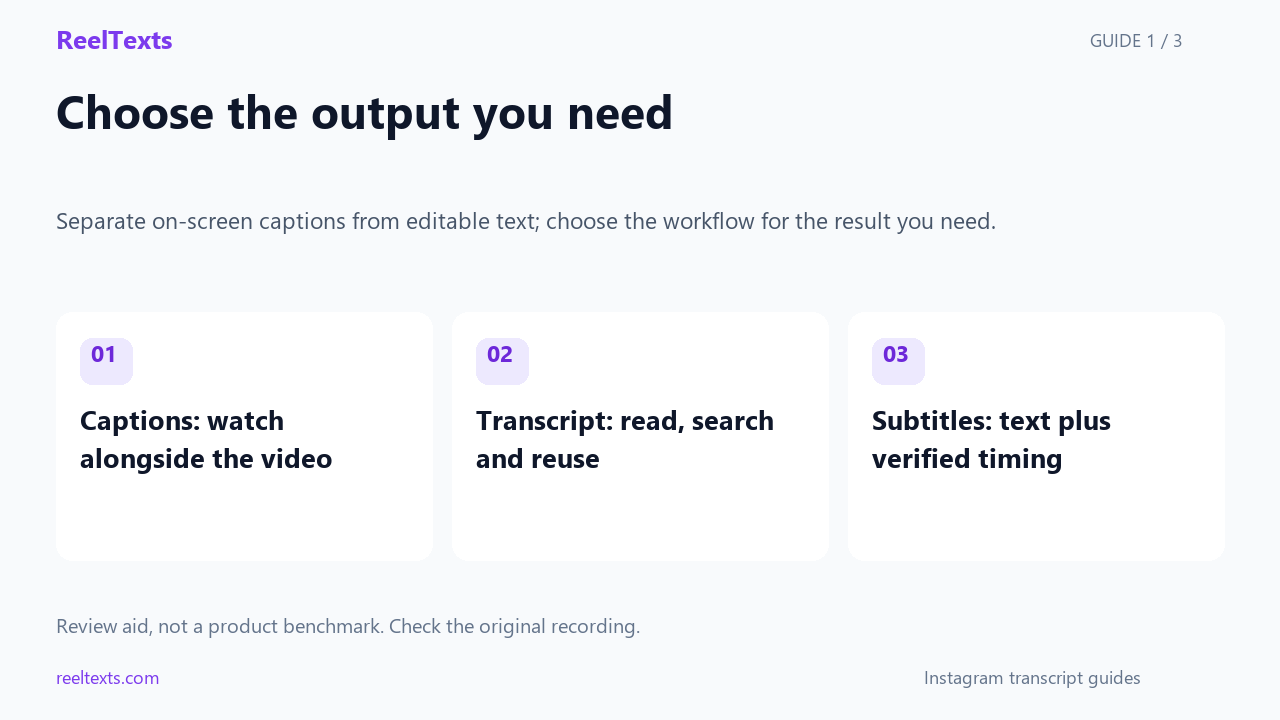
- Captions: watch alongside the video
- Transcript: read, search and reuse
- Subtitles: text plus verified timing
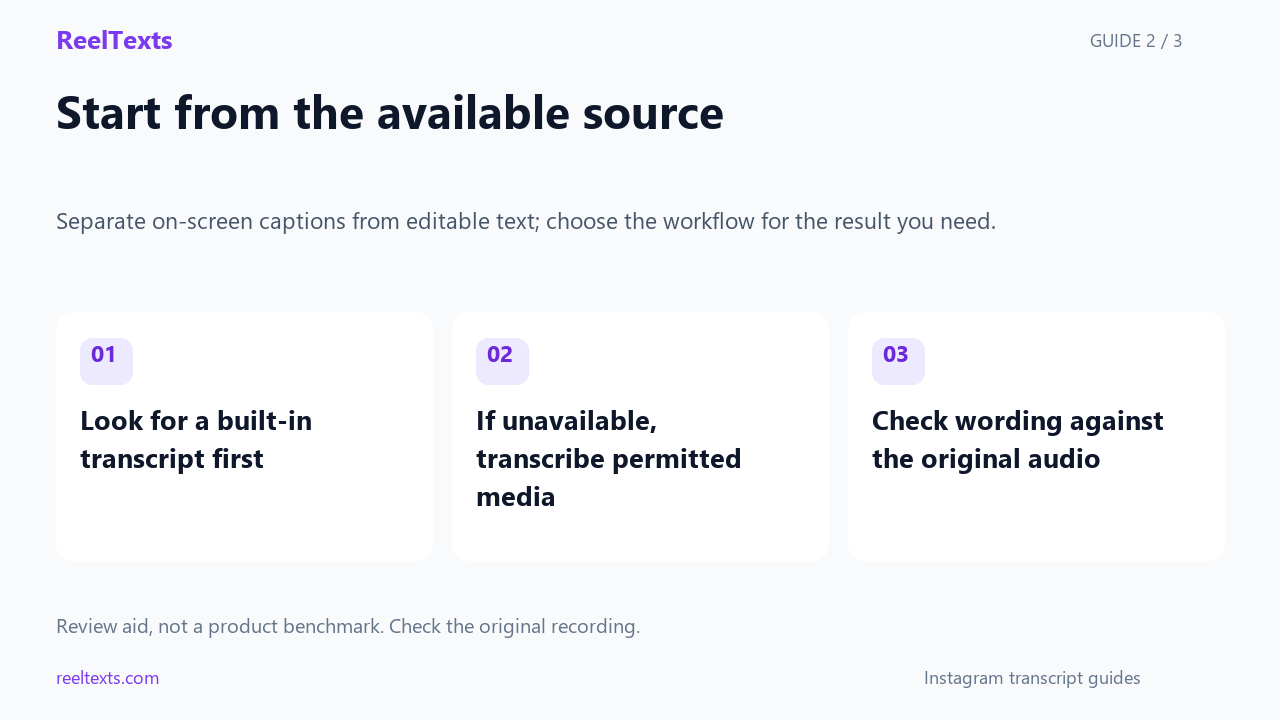
- Look for a built-in transcript first
- If unavailable, transcribe permitted media
- Check wording against the original audio
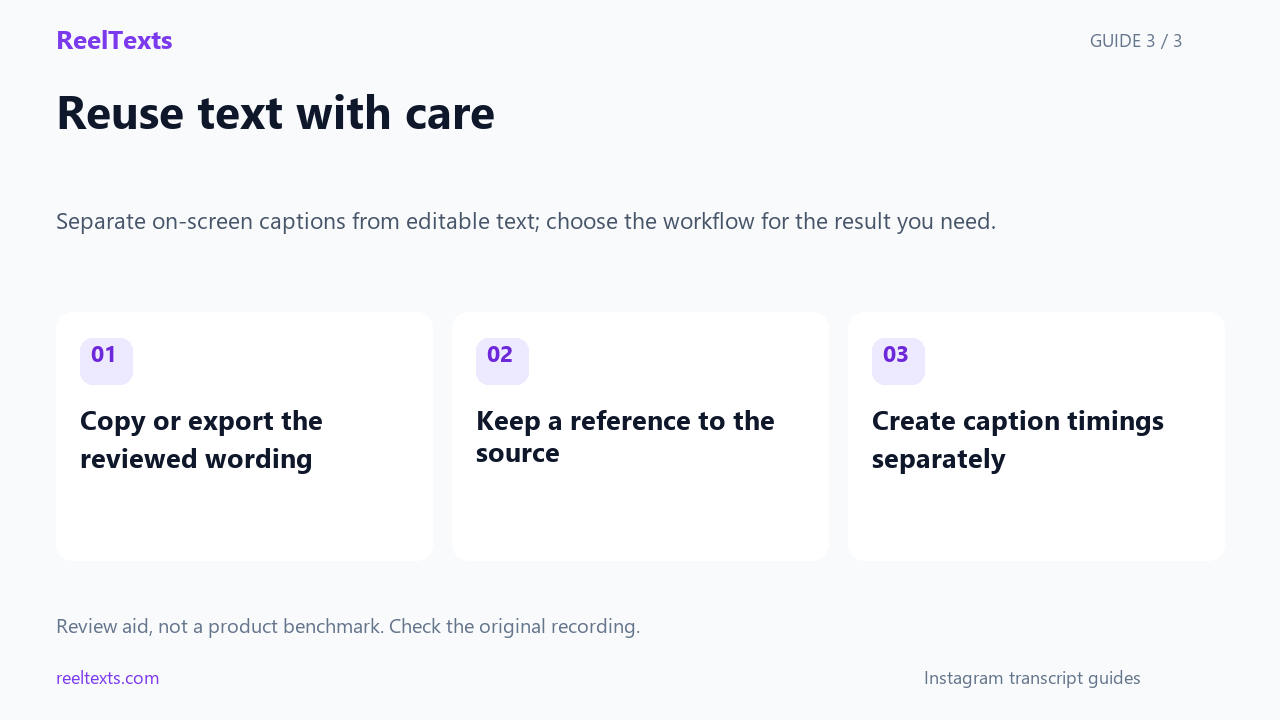
- Copy or export the reviewed wording
- Keep a reference to the source
- Create caption timings separately
Watch the narrated guide
English narration with captions. This guide explains the article; it is not a recorded product test.
Read the narration
Captions help you watch a video. A transcript gives you words that you can review, search and reuse. Subtitle files add timing, which must be checked against the actual video. These outputs serve different purposes.
On a platform with a transcript panel, begin with the available text. Availability can vary between videos. When text is unavailable, use an accessible source recording and review the resulting transcription against its audio.
Save the reviewed wording together with a reference to the source video. Keep an untouched version for comparison. ReelTexts currently offers plain text. It does not provide verified subtitle timing or automatic speaker labels.
The same word, two different things
Most of the confusion comes from one word doing two jobs on Instagram. Every post has a caption — that is the description the poster typed under the video. It is stored as text and you can copy it like any other text on the internet. But that caption is written by a human, and it often has almost nothing to do with what was actually said out loud.
A transcript is the spoken audio written down. On YouTube that is a real, first-class object: a timed text track the player can render as subtitles and that can be displayed, searched and downloaded as a block of text. On Instagram the spoken words are only ever rendered onto the video frame for playback. Nothing exposes them as text you can select.
Rule of thumb: if you can highlight it with your cursor, it is a caption field. If you cannot highlight it, you are watching burned-in captions, and there is nothing to copy.
Why Instagram never shipped a transcript feature
- The captions are not stored as a text track. On YouTube, auto-generated captions are published as a timed subtitle track with its own public endpoint — the transcript panel is just a readable view of that track. Instagram's captions are generated for display and kept with the Reel as editable styling the creator can tweak in the editor. There is no separate timed text file sitting behind the video for anything to read.
- Instagram is a phone-first product. A scrollable, selectable wall of text is a desktop pattern. Instagram spent its effort on burning styled, animated text onto the video instead, which is the thing that actually gets watched in a full-screen mobile feed. A transcript panel has no home in that layout.
- The word “caption” already meant something else. By the time auto-captions arrived, “caption” was firmly taken by the description field. Shipping a second, conflicting meaning of the same word inside the same app is a product problem, and the easiest fix was to keep the new feature visual only.
- There is no public endpoint for it. The Instagram Graph API returns the caption field for media you have permission to read — that is, the typed description. It does not return a caption track for the audio. When a platform never exposes a transcript, no third-party tool can fetch one; it can only listen to the audio and write it down again from scratch.
That last point is the important one for users. It explains why every working method for getting an Instagram transcript looks the same: download the audio, run speech recognition over it, hand back text. Nobody is “extracting” Instagram's transcript, because Instagram's transcript does not exist.
Three platforms, side by side
This is the part most guides skip. Here is what each platform actually gives you, as of this writing.
| What you want | YouTube | TikTok | |
|---|---|---|---|
| Auto-captions generated for speech | Yes, for most videos | Yes, for Reels and feed videos | Yes |
| Built-in transcript panel you can read | Yes (desktop, and rolling out on mobile) | No | No |
| Copy the whole text in one action | Yes | No | No |
| Download a caption file from the platform | Only for your own uploads | No | No |
| Works on someone else's video | Yes | No | No |
| Edit the captions as text | Yes (own videos) | Yes (own Reels, line by line, in the editor) | Yes (own videos) |
| Timestamps or speaker labels | Timestamps in the transcript panel | No | No |
| Needs an account to see the text at all | No | Yes | Yes |
The pattern is consistent: the only platform that treats spoken words as a document is YouTube. Instagram and TikTok treat them as decoration on the video frame.
What you lose when you settle for on-screen captions
- No bulk copy. You can screenshot captions or retype them. There is no way to select a hundred lines at once.
- No search. You cannot look for the one sentence you remember. You have to scrub the timeline and hope.
- They auto-hide. Captions are timed to the audio, so pausing to read a line usually means the next one has already replaced it.
- They are truncated on purpose. Reels captions are built to be readable at a glance, which means short chunks, dropped words and no punctuation discipline. They are a viewing aid, not a record.
- No timestamps. You cannot cite “at 0:42”, because the captions never carry a timecode you can read.
- No reuse. You cannot paste captions into a document, a brief, a blog draft or a study note without retyping them.
- No diffing. Comparing two versions of a spoken script is impossible when the text only exists on a moving frame.
Caption stream vs transcript: what the difference looks like
On-screen captions (viewing aid)
so the trick is
you film it once
and then you
never touch it
again because
Transcript (usable text)
So the trick is: you film it once, and then you never touch it again, because the whole point is that it keeps working while you do something else.
Format illustration only — the wording above is a placeholder to show the shape of each output, not a quote from any video.
How to get an Instagram transcript, in order of least effort
- Check there is speech at all. A Reel built around a music track with no voice-over has nothing to transcribe. If nobody talks, stop here.
- Confirm the post is public. Open it in a private browser window. If it asks you to log in, the video is private or age-restricted, and no tool can reach the audio.
- Copy the link. In the app, tap the share icon and choose Copy link. In a desktop browser, copy the address bar. A link that contains
/reel/,/p/or/tv/is the one you want. - Paste it into a speech-to-text tool. Our own Instagram transcript generator takes one public link, needs no account, and returns plain text you can copy or save as a
.txtfile. The audio is decoded in your browser, so nothing is uploaded. - Read the output critically. Speech recognition handles clean speech well and struggles with the same things a human would: heavy background music, two people talking over each other, and mumbled brand names.
- Clean it up. Fix proper nouns and numbers first, then delete filler words, then break the wall of text into paragraphs. Timestamps every 30 seconds or so make the result much easier to cite later.
When the obvious method fails
These are the four failures that come up over and over, and what each one actually means.
| Symptom | Real cause | What to do |
|---|---|---|
| The link opens a login wall | The post is private, or it is age-restricted | Nothing will work. Ask the owner to make it public, or get the file from them directly. |
| It says no speech was detected | Music-only Reel, or the voice track is buried under a loud song | Confirm a person speaks in the clip. If they do, the mix is the problem and accuracy will be poor. |
| The post was deleted or the link expired | The URL no longer resolves to media | Look for a re-upload. A dead link cannot be recovered. |
| Half the words are wrong | Overlapping speakers, strong accent, or heavy compression | Re-run and correct against the audio. Treat the first pass as a draft, never as a final record. |
The first of those failures deserves its own answer, because it is the one people hit most and misread most: why an Instagram link asks you to log in, and how to get around it.
Questions people actually ask
- Is Instagram's auto-caption the same thing as a transcript?
- No. Auto-captions are timed on-screen text made for watching. A transcript is a block of readable text you can copy, search and reuse. Instagram gives you the first and never the second.
- Can I download Instagram captions as an SRT or VTT file?
- Not from Instagram. There is no caption file to download, for your own posts or anyone else's. Any tool offering an “Instagram caption download” is transcribing the audio from scratch, which is a different job from exporting an existing track.
- Does the YouTube transcript trick work on Instagram?
- No, and the reason is structural rather than a missing button. YouTube can show a transcript because a timed text track already exists behind the video. Instagram never publishes one, so there is nothing for a trick to reveal.
- How do I get the text of an Instagram Reel for free?
- Copy the Reel link, confirm the post is public, and paste the link into a browser-based speech-to-text tool. Ours does it without a login, an install or a payment, and returns plain text you can copy or download.
- Can I read the caption field instead?
- You can, and it is instant — but the caption field is the description the poster typed, not what they said. For an on-camera explanation, the two are often completely different.
- Why is the transcript of a long Reel worse than a short one?
- Length itself is not the issue; variety is. A longer clip has more chances to include music, crosstalk, names and numbers, which are exactly the places speech recognition slips.
- Is my Instagram link or video stored anywhere?
- With our tool, no. The audio is fetched and decoded inside your browser. The privacy page spells out precisely what does and does not leave your device.
The bottom line
There is no Instagram transcript feature and there is not going to be one hiding behind a menu — the platform only ever renders the spoken words onto the video frame. If you need those words as text, treat Instagram like a source of audio rather than a source of documents: confirm the post is public, copy the link, and run it through speech recognition. That is the whole workflow, and it is the same workflow everyone else is quietly using too.