Instagram Transcript vs YouTube and TikTok: Which Platform Actually Gives You the Text
One platform hands you a document. Two hand you pixels. Here is the full comparison, and how to read it.
Short answer: of the three, only YouTube keeps the spoken words as a separate text track — a real object with its own timestamps that you can read in a panel, search, copy in one action, and download as a caption file for your own uploads. Instagram and TikTok also generate captions, but they exist only as timed text drawn onto the video frame inside the app: no transcript panel, no bulk copy, no file, no public endpoint. The practical consequence is the part most comparisons leave out: an Instagram transcript is never an export of something Instagram already stored — it is a fresh transcription of the audio by whoever is doing the listening. That single fact explains nearly every row below, and it is why a working Instagram transcript generator looks nothing like the YouTube transcript button.
Visual guide: Compare the workflow, not the badge
Evaluate transcript access, export and verification separately across platforms.
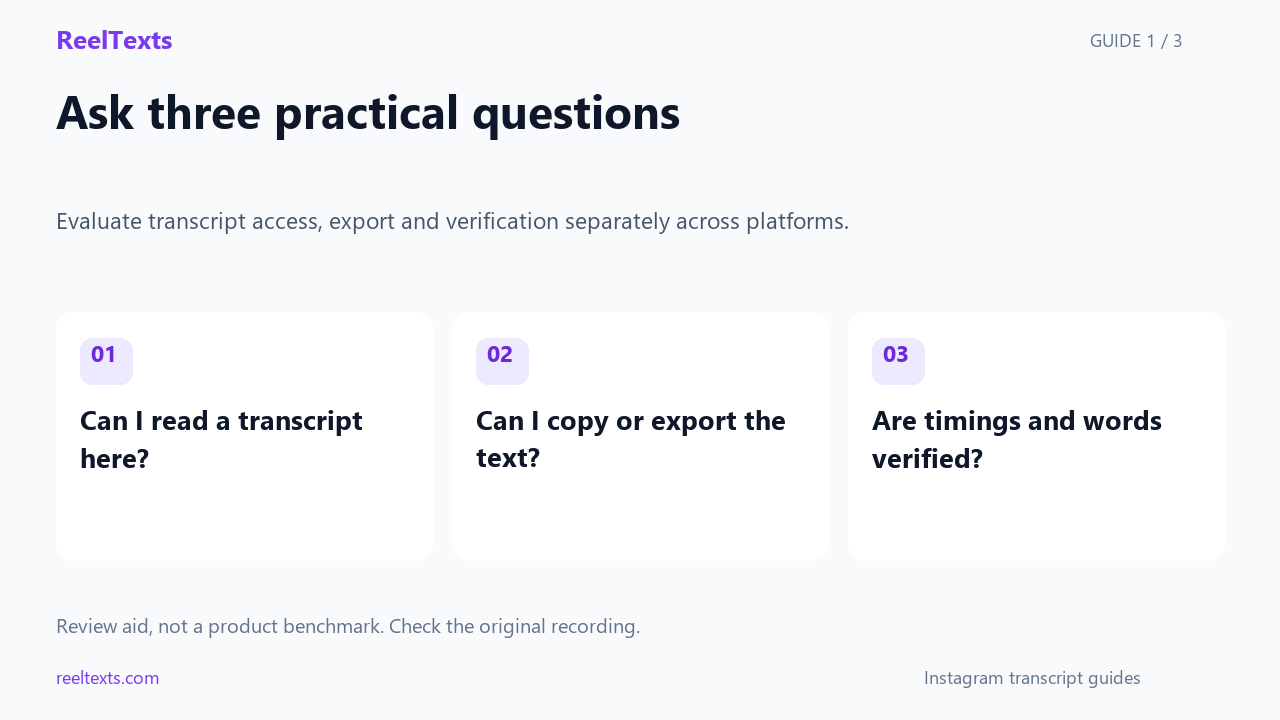
- Can I read a transcript here?
- Can I copy or export the text?
- Are timings and words verified?
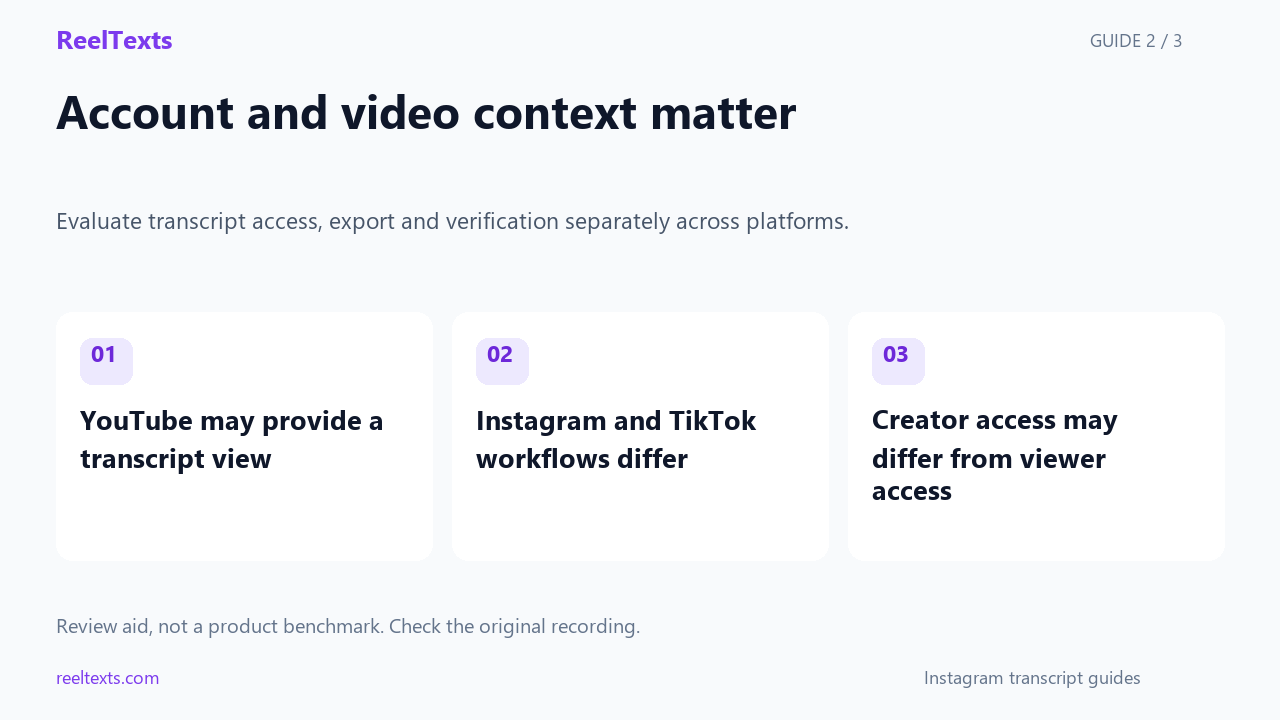
- YouTube may provide a transcript view
- Instagram and TikTok workflows differ
- Creator access may differ from viewer access
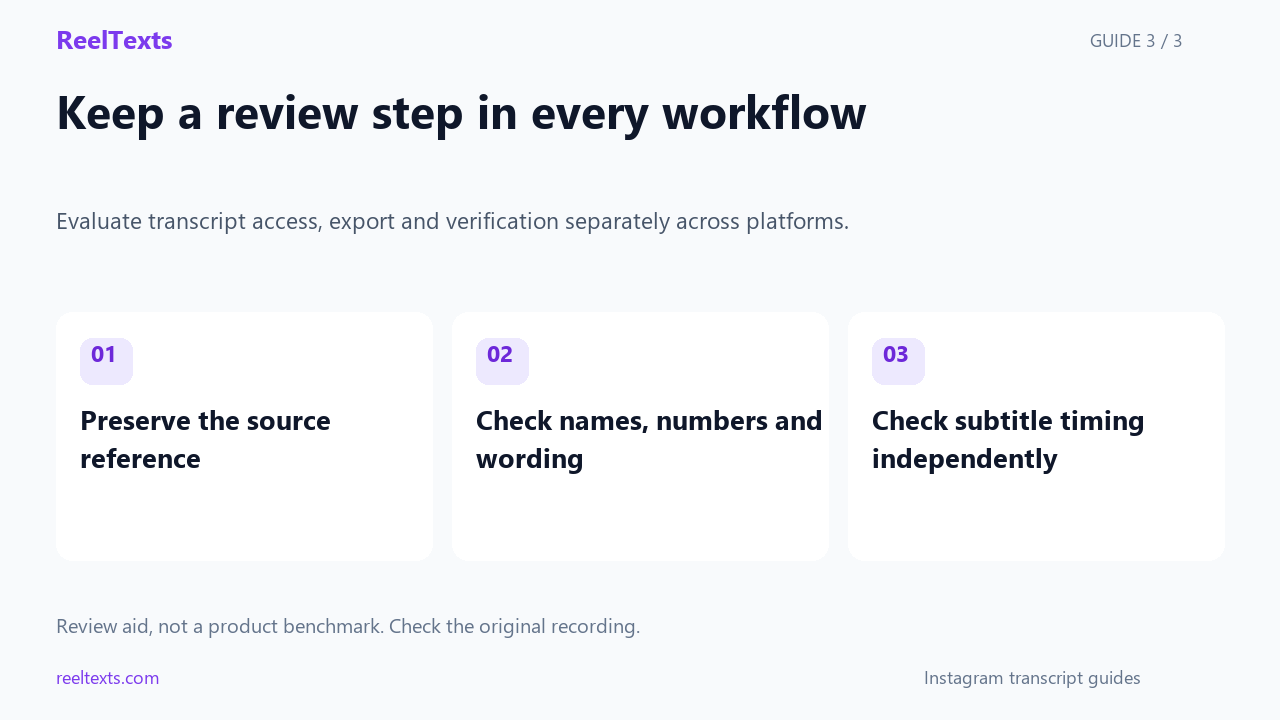
- Preserve the source reference
- Check names, numbers and wording
- Check subtitle timing independently
Watch the narrated guide
English narration with captions. This guide explains the article; it is not a recorded product test.
Read the narration
Compare platforms by the tasks you need to complete. Reading captions, copying a transcript and exporting subtitles are separate capabilities. Do not assume that a caption button means the platform provides a reusable transcript file.
YouTube can provide transcript views for eligible videos. On Instagram and TikTok, inspect the current options for the specific video. Creator tools and viewer tools can differ. Features change, so verify the workflow instead of treating a comparison as permanent.
Whichever platform you start from, keep a reference to the source recording and review important wording against it. Exported text is a starting point. Speaker attribution and subtitle timing still need their own checks when relevant.
The one distinction that explains every row
Comparisons of “which platform has transcripts” go wrong because they ask the wrong question. All three platforms can generate captions from speech. The question that actually matters is whether the spoken words are stored as data or drawn as decoration.
- A document is text that exists on its own, separate from the video. It has an address, timestamps, and a lifetime independent of the frame. Anything that is a document can be displayed, searched, copied, translated and downloaded, because it is just text sitting somewhere.
- An overlay is text painted onto the video for the duration of a phrase. It exists to be watched, not to be read as text. It cannot be selected, because there is nothing under your finger but the video.
YouTube's speech recognition publishes a document. Instagram's and TikTok's publish an overlay. Almost everything people find frustrating about Instagram transcripts — the missing panel, the missing copy button, the missing SRT — is a downstream effect of that one architectural choice, and not a setting anybody forgot to switch on.
The full comparison
Feature sets change over time, so treat the specific answers as current and the structure as durable: rows one to seven are consequences of the document-versus-overlay split and are unlikely to flip without a redesign.
| What you want | YouTube | TikTok | |
|---|---|---|---|
| Speech stored as a separate text track | Yes | No | No |
| Built-in transcript panel to read | Yes, on desktop and rolling out on mobile | No | No |
| Copy the whole text in one action | Yes | No | No |
| Search the spoken words inside the platform | Yes | No | No |
| Timestamps attached to the text | Yes, in the transcript view | No | No |
| Translate the spoken words to another language | Yes, auto-translate on the caption track | No | In-app caption tools only, not on a read view |
| Speaker labels (who said what) | No — you add them yourself | No | No |
| Download a caption file (.srt / .vtt) for your own upload | Yes, from the studio subtitle editor | No | No |
| Download a caption file for someone else’s video | No | No | No |
| Edit the auto-generated text as text on your own content | Yes, in the subtitle editor | Yes, line by line in the Reel editor | Yes, in the caption editor |
| Auto-captions generated at all | Yes, for most videos | Yes, for Reels and feed videos | Yes |
| Reach the text without an account | Yes | No | No |
| Reach the text of a stranger’s public post | Yes | No | No |
| A third-party tool is required to get plain text | No | Yes | Yes |
| What the “transcript” you end up with actually is | The platform’s own timed track | A re-transcription of the audio | A re-transcription of the audio |
The last row is the one to remember. On YouTube you are reading what YouTube already wrote down. On Instagram and TikTok you are reading what somebody else wrote down after listening to the same audio — which is why the two Instagram-adjacent columns behave identically, and why their accuracy depends on the tool rather than on the platform.
Corollary worth internalising: no tool can be “more accurate than Instagram’s captions” on Instagram, because there are no Instagram captions to beat. There is only the audio, and every tool starts from the same place.
Prove it yourself in about sixty seconds
You do not have to take any of the above on faith. Each test below takes a few seconds and settles the tier the platform belongs to.
- The selection test (all three). Play a clip with speech and try to select the captions with a cursor or a long press. Text you can select is data. Captions that refuse to be selected are an overlay. This alone separates YouTube from the other two.
- The menu test (YouTube). Open any video with speech, look for a transcript entry near the description or in the overflow menu, open it, and try to copy the whole thing. If a panel appears with timecodes, a document exists behind it.
- The same test on Instagram and TikTok. Repeat it. There is no such entry for anyone else’s post, which is the tell: the feature is missing because the object is missing, not because it is hidden.
- The logged-out test (Instagram and TikTok). Open the same public post in a private browser window. You will be asked to log in before you can even watch, let alone read anything. That gate is the second structural difference from YouTube.
- The own-video test (all three). Upload a clip with speech to each platform and go looking for a file to export. Only one of the three has a subtitle editor that hands you an
.srtor.vtt.
Why the difference exists — it is not a missing button
The tempting explanation is that Instagram and TikTok simply have not got around to it. That is not quite right, and the real reason is more useful because it tells you what will and will not change.
- A transcript view is cheap — but only if the text already exists. YouTube’s caption pipeline writes a timed text track as a first-class output, the same way it writes the video file. Once that track exists, a transcript panel is a few lines of interface: render the track as a list, add a copy button. Nothing is “extracted” when you open it; the text was always there, waiting to be displayed.
- Instagram and TikTok stop at the renderer. Their caption systems generate text in order to draw styled, animated words onto the frame, and they keep that text with the video as editable styling for the creator. The pipeline produces pixels, not a published track. With no track, there is nothing for a panel to read, nothing to search, and nothing to export — and no public endpoint for anyone else to fetch either.
- Both are phone-first products. A scrollable, selectable wall of text is a desktop pattern. The thing that earns watch time in a full-screen mobile feed is styled text burned onto the video. Building a document view would be effort spent on a surface the product does not really have.
- So third-party tools fill a gap, not a hole in a wall. Because there is no track to fetch, every “Instagram transcript” service does the only thing it can: obtain the audio, run speech recognition, and return text. That is a different job from exporting a subtitle file, and it is why these tools exist for Instagram and TikTok but not really for YouTube.
Your own video: where people expect an export and do not find one
The comparison above is mostly about other people’s posts, but the sharpest difference shows up when the video is yours and you go looking for a file to reuse.
| On your own upload | What you can do | What you cannot do |
|---|---|---|
| YouTube | Edit the caption track, correct the text, publish it, and download it as a subtitle file in several formats | Take someone else’s caption file |
| Toggle captions on, then edit the generated lines one by one inside the Reel editor | Export any of it — there is no file, and the text is tied to the video | |
| TikTok | Edit captions and use in-app caption and translation tools in the editor | Export a caption file to reuse in an editor or a document |
If your goal is a document — a blog draft, a show-notes file, a subtitle track for a different platform — only one of these three lets you finish the job inside the platform. On the other two you end up retyping or re-transcribing, which is exactly the situation the next section is about.
The same speech, three ways
This is what the difference looks like in the text itself. Same spoken words, three different objects.
YouTube: a document
0:04  the trick is you film it once
0:07  and then you never touch it
0:10  again, because the whole point
0:14  is that it keeps working
Instagram / TikTok: an overlay
the trick is
you film it once
and then you
never touch it
again because
What a transcript should be
The trick is: you film it once, and then you never touch it again, because the whole point is that it keeps working while you do something else.
Format illustration only — the wording above is a placeholder to show the shape of each output, not a quote from any real video or a captured result from any product.
Five myths this comparison kills
- “Instagram has a transcript; you just have to find the menu.” There is no menu, because there is no track. The feature is absent, not hidden.
- “Auto-captions and transcripts are the same thing.” They are the same words in different containers: an overlay for watching, a document for reading. Only one of them can be copied, searched or reused.
- “A tool that gives me an Instagram transcript is reading Instagram’s captions.” It is not. It is listening to the audio from scratch, because there is nothing else to read.
- “TikTok must be easier, since it has caption tools.” Those tools edit your own captions. For anyone else’s post, TikTok sits in exactly the same tier as Instagram: overlay, no panel, no export.
- “If YouTube can show a transcript, Instagram could just flip a switch.” It could not, because the text is never written to a track in the first place. It would be a pipeline change, not a checkbox.
Which method to use, by situation
| Situation | Method |
|---|---|
| Your own YouTube video | Open the subtitle editor, correct the track, download it as a file. Nothing else comes close. |
| Someone else’s YouTube video | Use the built-in transcript view and copy the text. No tool needed. |
| An Instagram or TikTok post | Copy the link, confirm the post is public, and run it through speech-to-text. Our Instagram transcript generator takes one public link, needs no account, and returns plain text you can copy or save. |
| A clip with no speech at all | Stop. There is nothing to transcribe, and any text you get back is invented. See music-only Reels. |
| A link that asks you to log in | Work out which of the four failure states you are in before retrying. See the login wall and private, deleted and expired links. |
| You need the link copied correctly first | Check the share-sheet differences on iOS and Android before blaming the tool. |
Questions people actually ask
- Does Instagram have a transcript feature?
- No. Instagram generates captions for Reels and feed videos, but they are rendered as on-screen text only. There is no transcript panel, no bulk copy, and no caption file to export — for your own posts or anyone else’s.
- Which platform has the best transcript feature?
- YouTube, by a wide margin, and the reason is structural rather than a matter of polish: it is the only one of the three that stores spoken words as a separate text track, which is what makes a panel, search, translation and download possible at all.
- Can I download an Instagram transcript as an SRT or VTT file?
- Not from Instagram, because there is no caption file to download. A tool that offers to “export Instagram captions” is transcribing the audio from scratch and formatting the result as subtitles — a different job from exporting an existing track.
- Is a TikTok transcript easier to get than an Instagram one?
- No. They sit in the same tier: auto-captions as an overlay, no read view for other people’s posts, no export. Any difference you notice comes from the third-party tool you use, not from the platform.
- Why do Instagram transcript tools exist if YouTube’s transcript is built in?
- Because there is no track to fetch on Instagram. A tool cannot export what was never written down, so it does the only thing left: it listens to the audio and writes the words down itself.
- Does this comparison change on mobile?
- The platforms do, not the tiers. YouTube’s transcript view is increasingly available on phones, while Instagram and TikTok remain overlay-only everywhere. Mobile matters for one thing above all: getting a usable link, which differs by operating system.
- Is my link or video stored when I use your tool?
- With our tool, the audio is fetched and decoded inside your browser. The privacy page spells out exactly what does and does not leave your device.
The bottom line
Stop comparing features and compare objects. YouTube publishes the spoken words as a document, which is why it can offer a panel, a copy button, a search box and a download. Instagram and TikTok publish them as an overlay, which is why none of those things exist there and why no future update is likely to conjure them. If you want the words as text, treat Instagram like a source of audio rather than a source of documents: confirm the post is public, copy the link, and run it through speech recognition. That is the whole workflow, and on two of the three platforms it is the only one there is.