Instagram Reels to Text: When the Reel Has Only Music
A music-only Reel has no speech in it, so there is nothing to turn into text. The problem is that you rarely get nothing back.
Short answer: if a Reel contains only music, there are no words to transcribe, and an empty result is the correct answer. You will often get something else. Speech-recognition engines are built for talking, and when they are handed an instrumental or a sung track they frequently invent plausible sentences rather than admit there was nothing to hear — so a music-only Reel can return a confident block of text that nobody ever said. Check for a human voice before you paste the link, and when there is none, the text you actually wanted is almost always the caption or the on-screen overlay, which was already text and never needed a transcript in the first place.
Visual guide: No spoken words, no speech transcript
Listen for speech first; do not trust fluent text generated from non-speech audio.
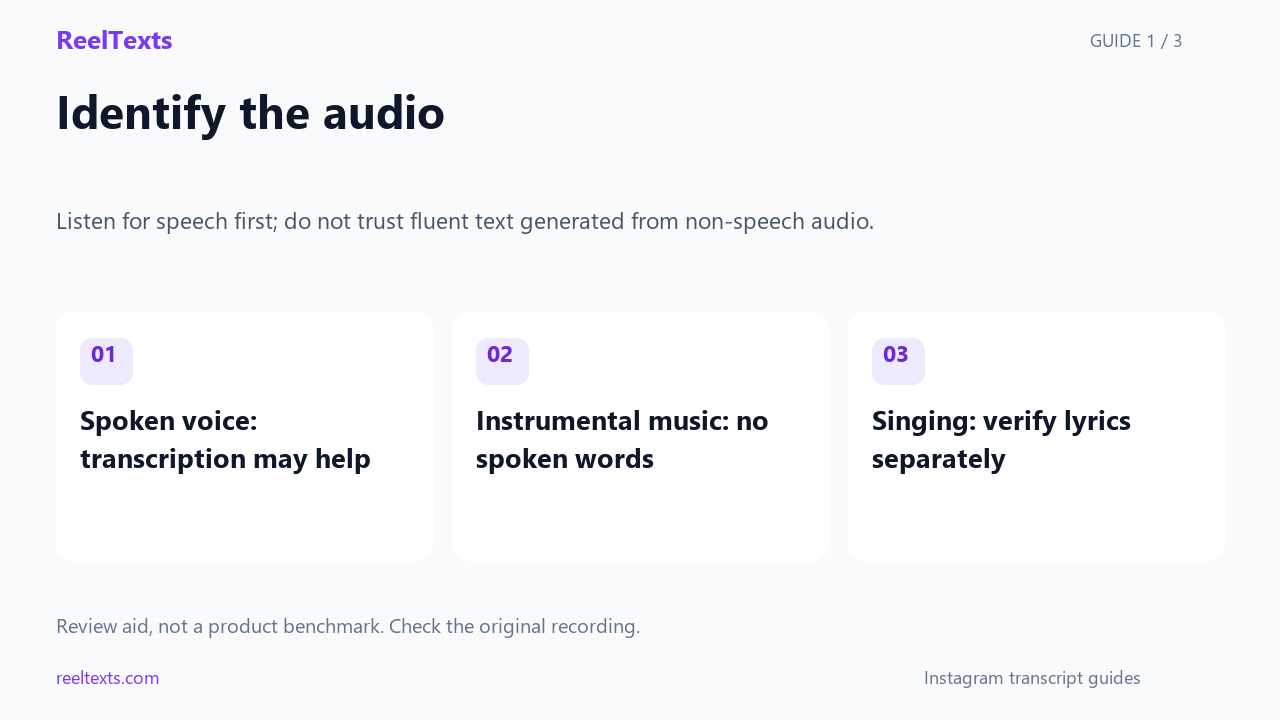
- Spoken voice: transcription may help
- Instrumental music: no spoken words
- Singing: verify lyrics separately
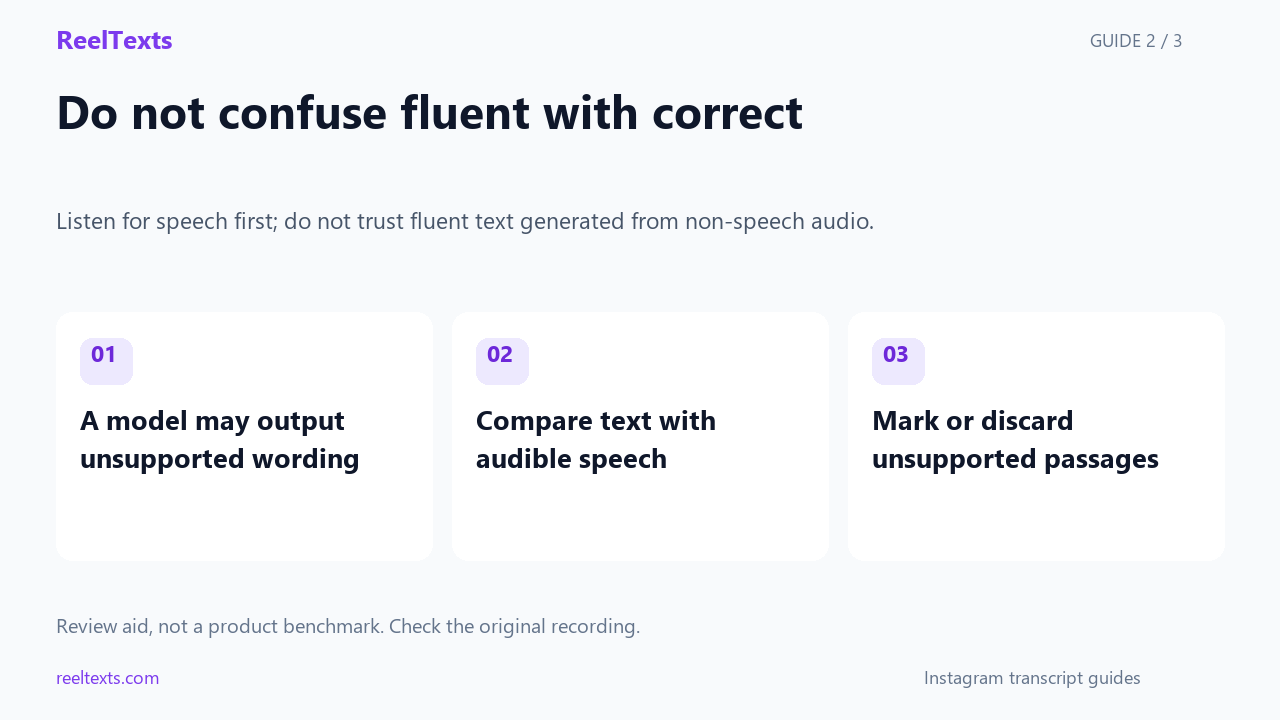
- A model may output unsupported wording
- Compare text with audible speech
- Mark or discard unsupported passages
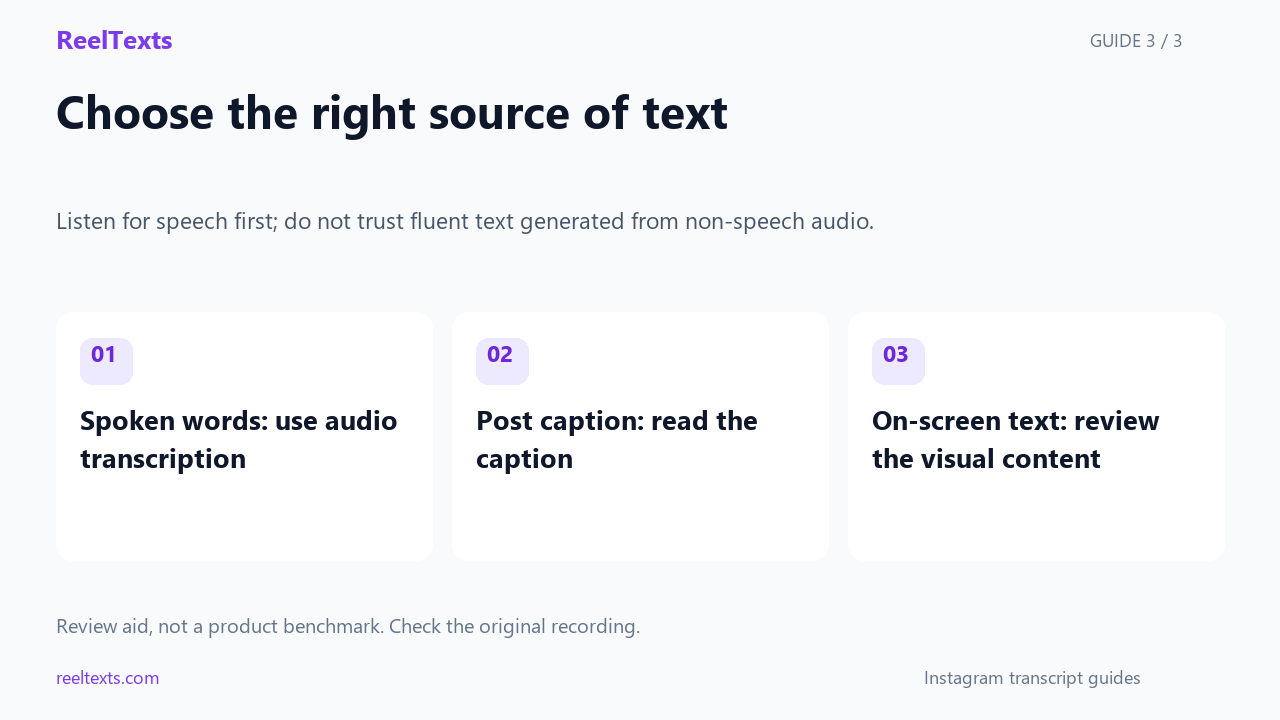
- Spoken words: use audio transcription
- Post caption: read the caption
- On-screen text: review the visual content
Watch the narrated guide
English narration with captions. This guide explains the article; it is not a recorded product test.
Read the narration
Listen to the beginning, middle and end of the Reel. Identify whether the audio contains speech, singing or only instruments. Instrumental music has no spoken wording to recover. Singing needs a different level of care from ordinary speech.
Speech recognition can sometimes produce words from silence or non-speech audio. Fluent wording is not proof that it was spoken. Compare questionable passages with the recording and do not reuse text that you cannot support with the audio.
If your goal is the written post caption, read that caption directly. If it is text shown in the frame, review the visual content. Audio transcription only addresses audible speech. It does not automatically recover every kind of text associated with a Reel.
Why a music-only Reel cannot be transcribed
Transcription is a matching job. A speech engine listens for the acoustic patterns that human mouths make — the bursts, the pauses, the vowel shapes — and maps them onto words in a language model. That mapping is the whole trick, and it needs two things: a voice, and a language.
Music supplies neither. A synth pad, a drum loop and a bass line have no phonemes, and a sung lyric is stretched, bent and pitch-shifted far enough that the mouth shapes stop matching the ones the model was trained on. Nothing in the pipeline is broken when a music-only Reel returns nothing. There was genuinely nothing in scope.
This matters more on Reels than anywhere else, because Reels is the most music-dense surface Instagram has. The format is built around a trending audio bed, plenty of Reels are deliberately wordless, and a large share of the rest are music-first with a short spoken hook laid over the top. So “I turned Instagram Reels to text and got junk” is a very common experience with a very specific cause.
The real trap: invented text instead of an empty result
An empty result is honest and easy to act on. The failure that wastes your afternoon is the other one. Modern speech models are trained to always produce something in the target language, so when the audio gives them nothing to latch onto they can fill the gap from their own language model. The output is fluent, correctly spelled, grammatically clean, and completely unrelated to the Reel in front of you.
This is a known and widely reported behaviour of speech-recognition models on silence, noise and non-speech audio. It is not a bug in one product; it is a property of how these models are built. The practical consequence is simple: on a Reel with no speech, “it gave me text” is not evidence that it worked.
| What the Reel actually contains | What a speech engine tends to return | How to read it |
|---|---|---|
| Instrumental, no voice at all | An empty result, or a short invented sentence | The empty result is correct. Treat the invented one as noise, not data. |
| Music with one short spoken hook | The hook, often clipped at the cut-in and cut-out points | Genuinely useful. Expect a partial sentence and do not read meaning into the missing edges. |
| Sung lyrics | Near-miss words, sometimes in the right language, sometimes not | Not a transcript. It looks like language and is not reliable as one. |
| Speech over a loud music bed | Mostly correct text, with a few lyric-shaped errors at the edges | Usually fine. Spot-check the first and last line, where the music is least covered by voice. |
| Speech, then a long music-only outro | Correct text, then a trailing block of invented words | Keep everything up to the last real sentence and discard the tail. |
Rule of thumb: if a transcript contains sentences that do not match anything you can hear, the model filled a gap. If it contains sentences that repeat with small variations, the model looped. Neither is a transcription error you can correct — there was nothing to correct.
The five-second check, before you spend a run
Do this on the Reel itself, before you copy the link. It costs seconds and saves the whole diagnosis.
- Play three seconds with the volume up. If you hear no human voice in the first three seconds, skip to step 4 — you may still find one later, but you now know the audio does not open with speech.
- Watch the caption line while it plays. A Reel that relies on spoken content usually carries a visible caption or an on-screen text block. If the caption is empty and there is no text on the frame, the message was carried by music and visuals.
- Look for a speaker on screen. A mouth that is moving and in frame is the cheapest confirmation there is. A Reel that is a montage of scenery over a track has no speaker to listen to.
- Scrub to the middle and to the last three seconds. Spoken hooks often sit at the start or the very end, and a Reel that opens on music may still close on a spoken call to action.
- Then decide. Voice present → paste the link and transcribe. Voice absent → what you want is the caption or the overlay, and a speech engine is the wrong instrument for both.
If you have already run a Reel and the output looked wrong, this check also tells you which of the two failures you hit: a genuinely empty result, or an invented one.
The audio ladder: what transcribes well and what does not
Instagram Reels are not one audio format. They sit on a spectrum from pure speech to pure music, and the quality of a Reels-to-text result tracks that spectrum closely.
| Audio type | How common on Reels | Transcribes well? | What you get |
|---|---|---|---|
| Talking to camera, no music | Common | Yes — best case | A clean, usable transcript. |
| Voice-over with a quiet music bed | Very common | Yes | Correct text; check the opening and closing lines. |
| Music with a spoken hook or a spoken outro | Very common | Partly | The spoken parts only, often clipped at the boundaries. |
| Rapped vocals | Occasional | Unreliable | Dense output with plausible but wrong words throughout. |
| Sung lyrics | Common | No | Near-miss words. Reads like language, is not a transcript. |
| Instrumental or beat only | Common | No — nothing to transcribe | An empty result, or invented filler text. |
The three bottom rows are the ones people write in about, and all three have the same root cause: the model is being asked to do a job the audio does not contain.
Which branch are you on?
The diagram below is the decision this page is really about. It takes ten seconds to walk and it tells you whether a transcript is even the right thing to ask for.
Decision diagram, not a screenshot. It describes the audio, not any particular app version, so it stays accurate as Instagram ships changes.
If there is no speech, what you actually wanted
Most people who run a music-only Reel through a transcript tool are not really asking for the audio. They are asking for something that was already text, or for something that is not text at all. Matching the request to the right instrument is the whole fix.
| What you want | Where it actually lives | Right instrument |
|---|---|---|
| The words the poster wrote | The caption under the Reel | Nothing. It is already selectable text — copy it directly. |
| The words printed on the video frame | Burned into the image, never in the audio | Text recognition on a screenshot, not speech recognition. |
| The name of the track | An audio fingerprint, not a word sequence | Music identification. A speech engine cannot name a song. |
| The lyrics as text | Published lyric databases, not the audio | Look the track up. Singing defeats speech recognition, and lyrics are separately protected. |
| A description for someone who cannot hear it | Nothing on the platform produces this | A written description of the visuals and the mood. That is authoring, not conversion. |
| A summary of what the Reel says | Nothing, if there is no speech | Read the caption and describe the visuals. There is no audio content to summarise. |
Only one row in that table is a transcription job, and it is the row where the answer is “there is nothing to transcribe”. That is why reaching for a Reels-to-text tool on a wordless Reel feels like the tool is broken when it is not.
How to tell a fabricated transcript from a real one
When a speech engine invents text, the output does not look like an error message. It looks like a transcript. These are the tells, roughly in the order you will notice them.
- It repeats. The same sentence, or the same sentence with one word changed, appears several times. A loop is the model running out of audio and continuing anyway.
- It sounds like boilerplate. Generic closing phrases and stock filler turn up in a Reel about something else entirely. These are the model’s most probable continuations, not the speaker’s words.
- It is the wrong language. Output arrives in a language the Reel is not in, or switches language mid-block for no reason.
- It contradicts the visuals. The text describes a topic the Reel never touches. Trust the frames, not the text.
- It is suspiciously identical to another run. Two unrelated Reels returning the same wording means neither produced real text.
- It stops making sense at a boundary. Real transcripts degrade at cuts, crosstalk and music stings. Fabricated ones stay fluent right through, because fluency was never the problem.
The fastest single test: play the Reel and read the transcript at the same time. If the text is describing something you cannot hear, discard the whole run rather than editing it. Editing a fabrication only makes it harder to notice later.
Where speech hides in a mostly-music Reel
There is a middle case that is worth its own routine: a Reel that is ninety per cent music but has eight seconds of speech somewhere in it. Those eight seconds are usually worth having, and they are almost never where people look.
- The first two seconds. A spoken hook before the beat drops is one of the most common Reels structures there is.
- The last three seconds. Spoken calls to action live at the end far more often than in the middle.
- Right after a visual cut. When the picture changes, the audio often changes with it, and a spoken line rides in on the transition.
- Under the quietest bar of the track. A drop-out in the music is frequently there precisely to make room for a voice.
If you find a spoken hook, transcribe the whole Reel anyway and keep only the lines you can hear. It is faster than trimming the audio, and the surrounding invented text is easy to discard once you know what to look for.
Why lyrics are a different and harder problem
People reasonably assume that if a Reel has singing, the words are “speech with a tune” and should come out the same way. They do not, for two separate reasons.
The technical reason is that singing stretches vowels, changes pitch across a syllable and holds sounds far longer than speech does. The acoustic features a speech model relies on are exactly the ones a melody distorts, so the model produces words that are close in sound and wrong in meaning. Rapped vocals sit in between: the rhythm keeps the syllables short, so the output is denser and more fluent, which makes it look more trustworthy while being no more accurate.
The second reason is not technical at all. Lyrics are a written work with their own rights, separate from the recording. Even a perfect lyric transcription is not something you can freely reproduce, and a speech engine handed a song is not a lyrics database. If you need the words of a track, look the track up rather than running the audio through a transcription tool.
Questions people actually ask
- Can I turn Instagram Reels to text if the Reel is only music?
- No, and an empty result is the correct outcome. There is no speech in the audio, so there are no words for a speech engine to find. Anything you do get back from a music-only Reel should be treated as generated filler rather than a transcript.
- My tool returned text for a music-only Reel. Did it work?
- Almost certainly not. Speech models are trained to produce output in a target language, and on non-speech audio they can fill the gap from their own language model. Fluent, well-punctuated text with no matching audio behind it is the signature of that behaviour.
- How do I check whether a Reel has speech before I paste the link?
- Play three seconds with the volume up, watch whether the caption or an on-screen text block is carrying the message, and check the first two and last three seconds, where spoken hooks usually sit. If there is no voice anywhere, a transcript tool is the wrong instrument.
- What should I use instead for a Reel with no speech?
- It depends what you wanted. The caption is already selectable text. On-screen text is burned into the frames and needs text recognition on a screenshot. The track name comes from music identification. None of those is a transcription job.
- Why does a Reel with a song give me words that are nearly right?
- Singing distorts exactly the acoustic features a speech model depends on — vowel length, pitch and syllable boundaries. The model returns the nearest words it knows, which is why sung output reads like language while being unreliable as a transcript.
- Does a music bed under speech break the transcript?
- Usually not. A quiet bed under a clear voice transcribes well. Quality drops at the two ends, where the voice has not yet started or has already stopped and the music is exposed, so spot-check the first and last line rather than the whole block.
- Can a transcript tool identify the song in a Reel?
- No. Identifying a track is audio fingerprinting, which matches a recording against a catalogue. Transcription matches sound against words. They are different problems and no speech engine solves the first one.
- Should I just delete the invented text and keep the rest?
- Only if the rest is real. If the Reel has genuine speech and the tail is fabricated, cutting the tail is right. If the whole Reel is music, the entire block is generated and there is nothing underneath to keep.
The bottom line
A music-only Reel cannot be turned into text, because the thing you would turn has no words in it. The reason this feels like a tool failure rather than a wrong question is that speech engines would rather invent a sentence than return nothing, so the output looks like an answer. Check for a human voice first, read the empty result as correct when you get it, and when there is genuinely no speech, go to the caption, the overlay or the track — three things that were never transcription jobs to begin with.