Instagram Transcript Generator Without Watermark
A watermark on a transcript is not a technical requirement. It is a distribution strategy — the operator's name, placed on your output, so that every time you use the text, someone sees where it came from. When the model runs in your browser, there is no server to brand the output and no operator to insert attribution. The text is plain, unstyled, and already yours.
Main guide: Instagram transcript — paste a link, get the full text. The page you are reading covers one specific case in depth.
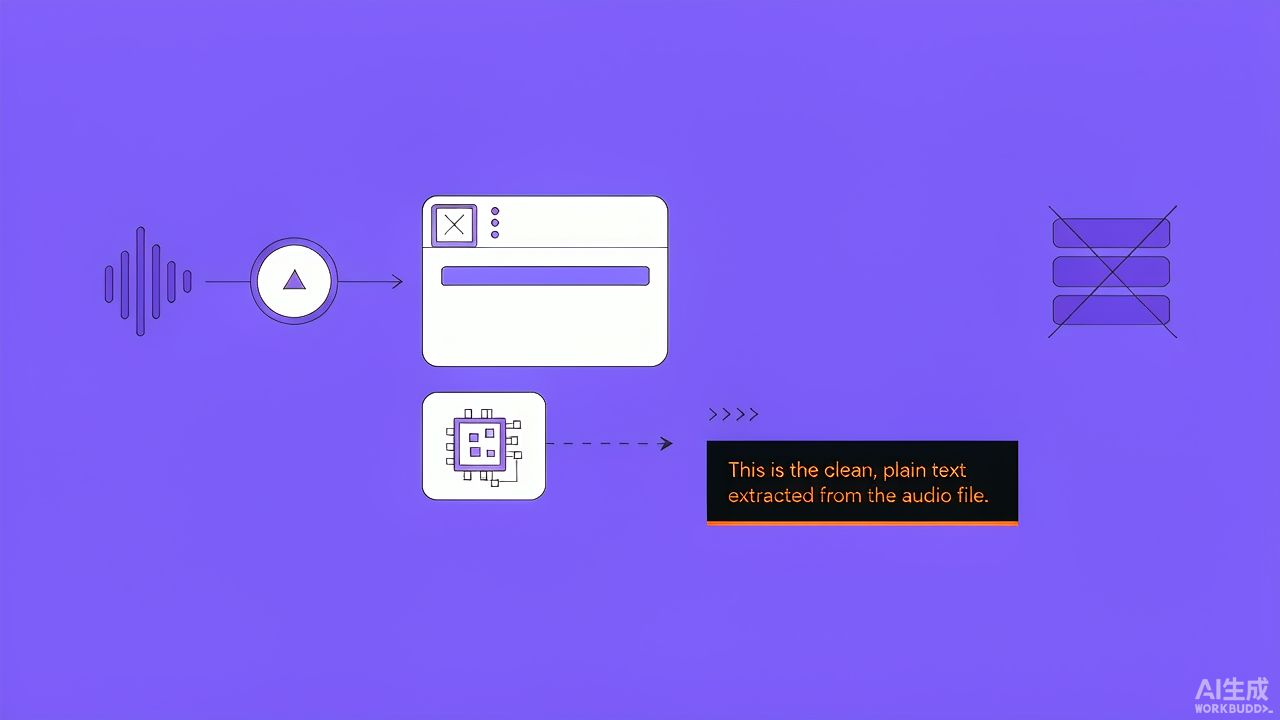
Short answer: this site's transcript output is plain text in a <pre> element — no branding, no attribution string, no footer, no link inserted into the words. You press Copy, and what lands in your clipboard is the text the model produced, character for character. You press Download, and the .txt file contains the same thing. That is not a feature toggle you found or a paid tier you unlocked. It is what the output already is when the transcription pipeline runs entirely in your browser tab: there is no server in the path that could add a watermark, and nothing in the code that inserts one. Below is why a watermark exists on some transcript tools, what it protects, and why a browser-based generator cannot produce one even if it wanted to.
What a watermark on a transcript actually is
A watermark on a transcript is not like a watermark on a stock photo — it is not baked into the pixels of the image. It is text the operator inserts into your output: a name, a URL, a line like “Generated by [Tool]” appended to the bottom of the transcript, or a header inserted before the first word. On a plain-text document, the watermark is just more text, which means it is also trivially removable — select it, delete it, done. The question is not how to remove it. The question is why it was placed there, and what that tells you about the tool.
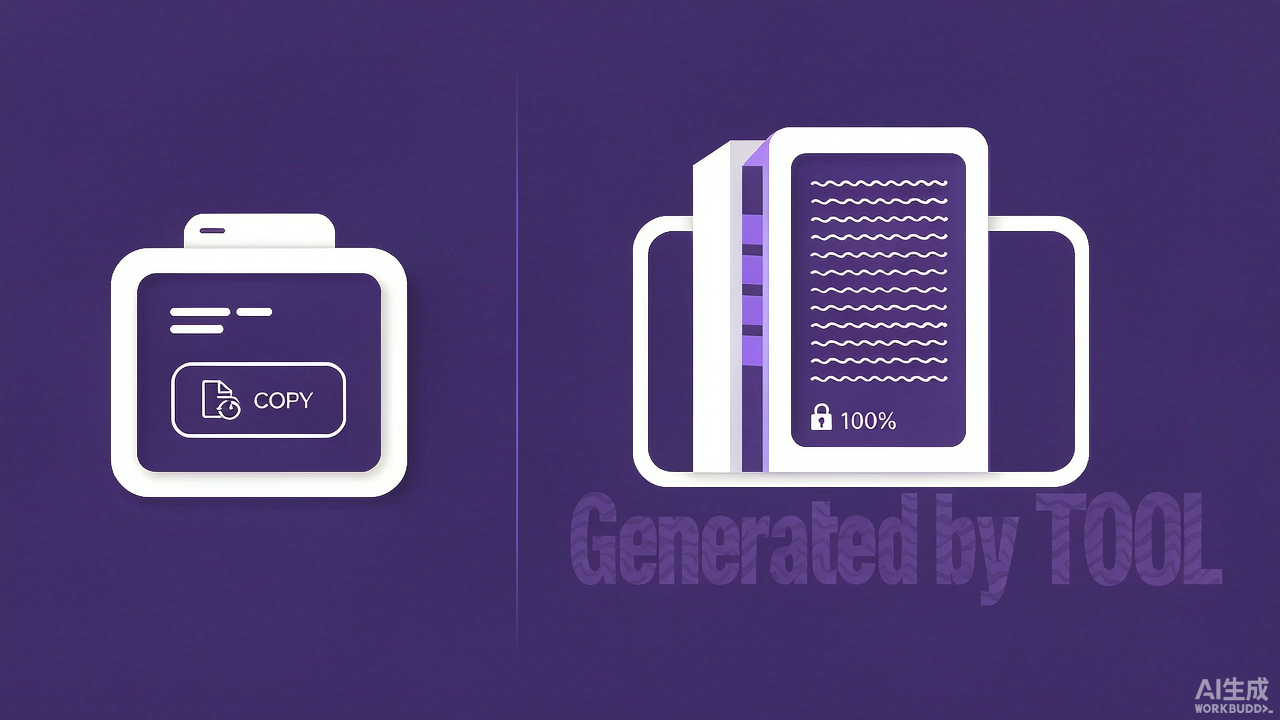
The watermark is the only part of the output the operator controls. The text itself came from a model the operator does not own — the same open speech-to-text model anyone can run. The watermark is the operator's signature on work they did not create, placed there because it is the one thing they can guarantee survives the copy-paste. It is not a technical requirement; it is the operator's distribution strategy, paid for with your convenience.
Why some transcript tools add a watermark
There are exactly two reasons a watermark appears on a transcript, and they are not about technology.
| Reason | What the operator gains | What you lose |
|---|---|---|
| Free tier with branded output | every transcript you share carries their name — you become their distribution channel | the output is unusable for professional publishing without a cleanup step, which is the point — the friction is the upsell |
| Paid tier with watermark removed | the fee covers both the compute and the loss of the advertising channel | nothing, if you pay — but you are paying to remove something that cost nothing to add |
Both reasons are business arrangements, not technical ones. The model that produced the text does not know whose name to put on it. The watermark is added after recognition, by code the operator wrote, on a server the operator controls. Remove the server from the path and the watermark cannot be inserted.
Why a browser-based generator cannot watermark the output
This is the part that is genuinely about architecture, not business. When the transcription runs in your browser tab, the pipeline is: your device fetches the audio, your device decodes it, your device runs the model, and the text appears in a page on your device. At no point does the audio or the text travel to a server the operator controls. The operator's code — the JavaScript that runs the pipeline — is already on your machine, and you can read it.
Could that code insert a watermark? In principle, yes — JavaScript running in your browser could append a string to the output before displaying it. But three things make that unlike a server-side watermark:
- You can see it happen. The code is in the page source. A server-side watermark is invisible to you — the text arrives branded, and you cannot tell when or how it was added. In a browser, the function that builds the output is right there in the script, and a watermark would be a line anyone could find.
- You can remove it. If the JavaScript appends a string, the same JavaScript can be modified or blocked. Browser extensions, devtools, or a simple override can strip the line. A server-side watermark is already in the text by the time you receive it — it is not removable without effort, because it was inserted before the response was sent.
- There is no reason to add one. A watermark is a distribution strategy: it turns your output into advertising. A browser-based tool has no server to benefit from that advertising — there is no brand to drive traffic to, because there is no backend to receive the traffic. The operator's cost is zero per clip, so there is no upsell to friction into.
This site does not watermark the output because there is nothing to watermark it for. The text in the <pre> element is the text the model produced. Copy it, download it, publish it — the operator has no server to receive credit and no business reason to insert any.
The three places a watermark could hide
If you are checking a transcript tool for hidden branding, there are exactly three places to look, and two of them are not in the text itself.
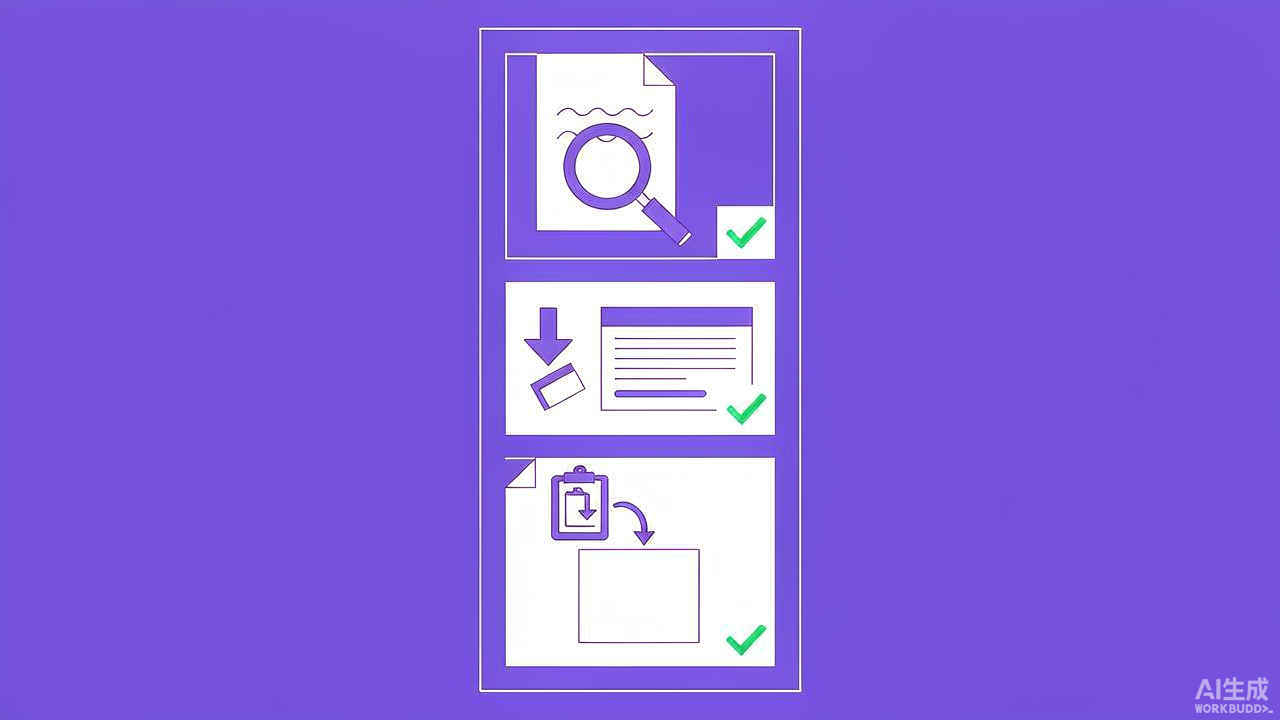
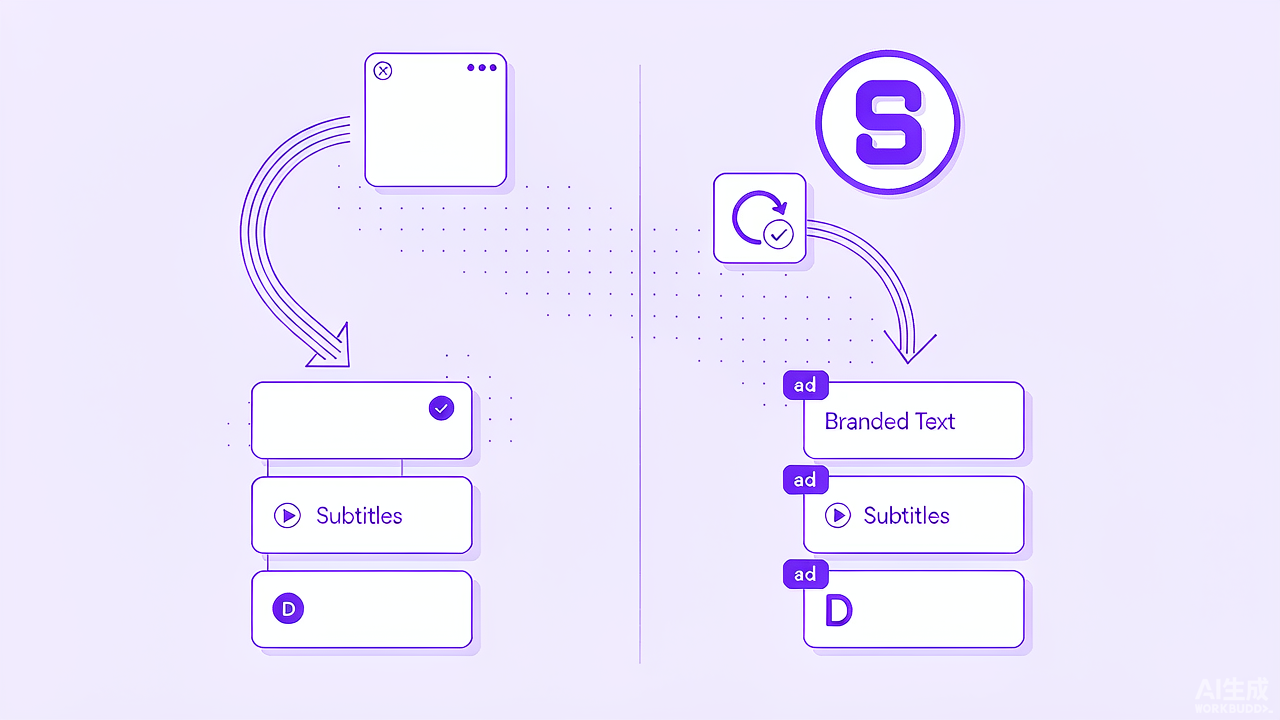
| Location | What to check | How hard to remove |
|---|---|---|
| Appended to the text | scroll to the bottom of the output — is there a URL, a name, or a line you did not say? | trivial — select and delete |
| In the download file | open the exported .txt or .srt in a plain text editor and check the last lines |
trivial — same as above, just in a file |
| In the copy action | paste into a plain text editor and compare against what is on screen — some tools inject attribution into the clipboard, not the visible text | moderate — you have to notice the discrepancy, then strip it |
On this site, all three are clean: the visible text, the downloaded .txt, and the clipboard contents are identical, because they all come from the same <pre> element with no post-processing. There is no second code path that brands the output differently depending on how you extract it.
What “no watermark” means in practice
The absence of a watermark is not just about the text being clean. It changes what you can do with the output.
- You can publish it directly. A transcript with a tool's URL at the bottom is not publishable — you have to strip the line, re-check the formatting, and hope nothing else was inserted. A clean transcript goes from the tool to your document without a cleanup step.
- You can quote from it without attribution to the tool. The words were spoken by a person, not generated by a brand. A watermark implies the tool authored the text, which is not true — the tool transcribed speech. Without a watermark, the only attribution that matters is to the speaker.
- You can use it in client work. If you are transcribing a Reel for a client, a branded output looks unprofessional. You either strip the watermark and hope the client does not notice the gap, or you pay for a plan that removes it. A browser-based tool produces clean output from the first transcript, with no plan to upgrade.
- You can reformat it without fighting inserted text. A watermark appended to the end of a transcript can break a paste into a CMS, a subtitle editor, or a script document. The branded line is not speech, but the tool that receives the text does not know that — it treats it as content. Clean text goes in clean.
What you give up, and what you do not
The honest trade-off is not “watermarked free” against “clean paid.” It is about what a browser-based generator declines to add, listed plainly.
A browser-based generator (this site)
Output: plain text, no branding
Watermark: none, ever
Copy: exact text, nothing injected
Download: .txt, identical to on-screen
Cost to remove watermark: 0 (nothing to remove)
Plan tier that removes watermark: none (none exists)
A hosted tool with watermarking
Output: text with operator branding
Watermark: appended on free tier
Copy: may differ from visible text
Download: branded, unless paid
Cost to remove watermark: the plan price
Plan tier that removes watermark: usually the first paid tier
The left column describes this site's design. The right column describes the shape of a typical watermarking service rather than one particular product.
The left column is not a better deal — it is a different arrangement. The browser-based tool gives you clean text because it has no server to benefit from branding. The hosted tool gives you branded text because the branding is the thing it can monetise. Neither is dishonest; the difference is whether the output belongs to you or to the operator's funnel, and that difference is decided by where the compute runs.
The test you can run in ten seconds
If you want to check whether a transcript tool watermarks its output, the test is simple and works on any tool:
- Generate a transcript with any tool.
- Select all the text and copy it.
- Paste into a plain text editor — Notepad, TextEdit in plain mode, or a browser's address bar.
- Scroll to the bottom. Is there anything that is not speech?
If the answer is no, the tool does not watermark. If the answer is yes, what you see is the operator's distribution strategy, and you can decide whether to strip it, pay to remove it, or use a tool that never inserted it.
On this site, the test returns the same text every time, because the copy button reads from the same element the display reads from, and the download button writes the same text to a file. There is no second path, no branded variant, and no plan tier that changes the output.
How this connects to the rest of the site
A transcript without a watermark is the starting point, not the ending point. Once you have clean text, the question is what to do with it — and the answer depends on what you needed the transcript for.
- If you are publishing, see blog post, show notes and carousel — one transcript becomes several outputs, all clean.
- If you are checking accuracy, see the error-checking worksheet — clean text is easier to correct because there is nothing to strip first.
- If you are comparing tools, see what the free-vs-paid meter is counting — the watermark is one of the limits, and the others follow the same logic.
- If you are transcribing for accessibility, the clean output can go directly into a caption file without a cleanup step — see why captions are not a transcript for the difference.
Affiliate link: Notta is a separate service that transcribes audio and video files you upload. This site earns a commission if you subscribe through that link, at no extra cost to you.