Preserve Instruction Order in an Instagram Transcript
To preserve instruction order in an Instagram transcript, replay the recording, number the steps in their spoken order, and compare your notes against that numbered reference before sharing them.
An Instagram transcript generator can provide text, but you still need to check whether your edited notes preserve the dependencies between steps.
Keep the transcript and the edited notes as separate versions so that a shorter summary does not replace your reference.
This guide uses a deliberately written practice fixture, not a test of an Instagram video or any transcription product.
Visual guide: Keep steps in the checked order
Check dependencies before accepting shortened transcript notes.
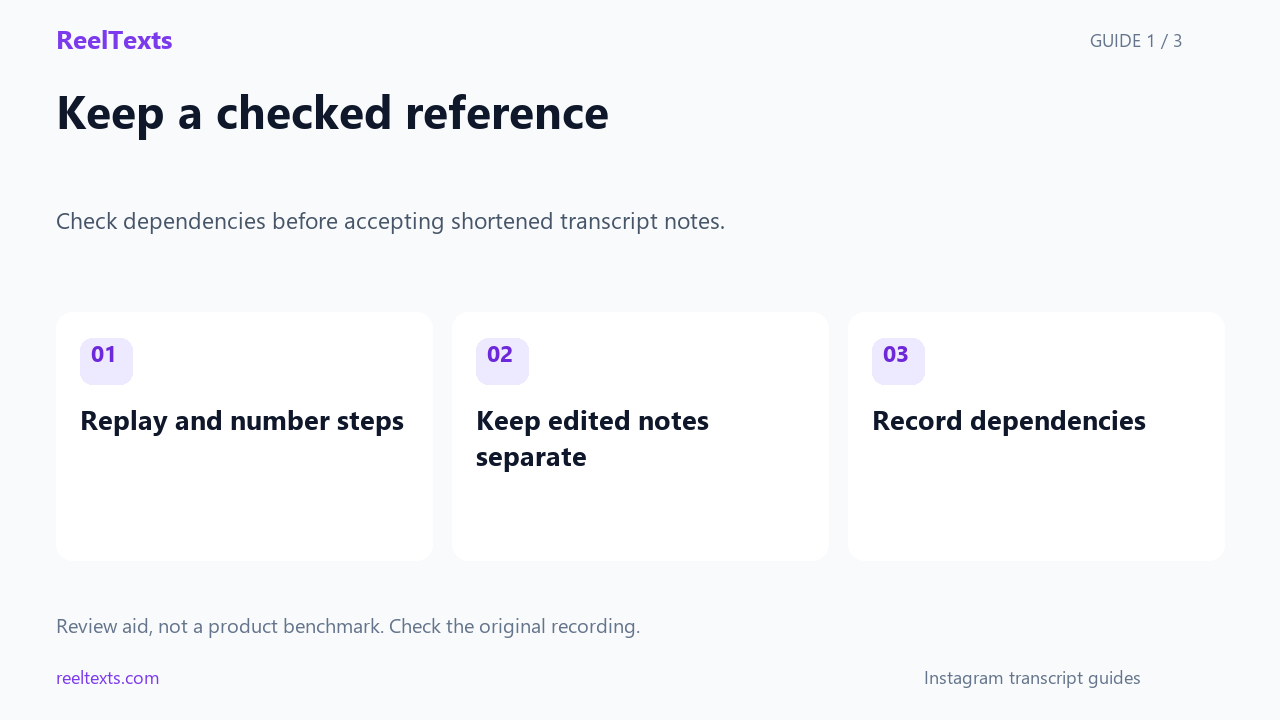
- Replay and number steps
- Keep edited notes separate
- Record dependencies
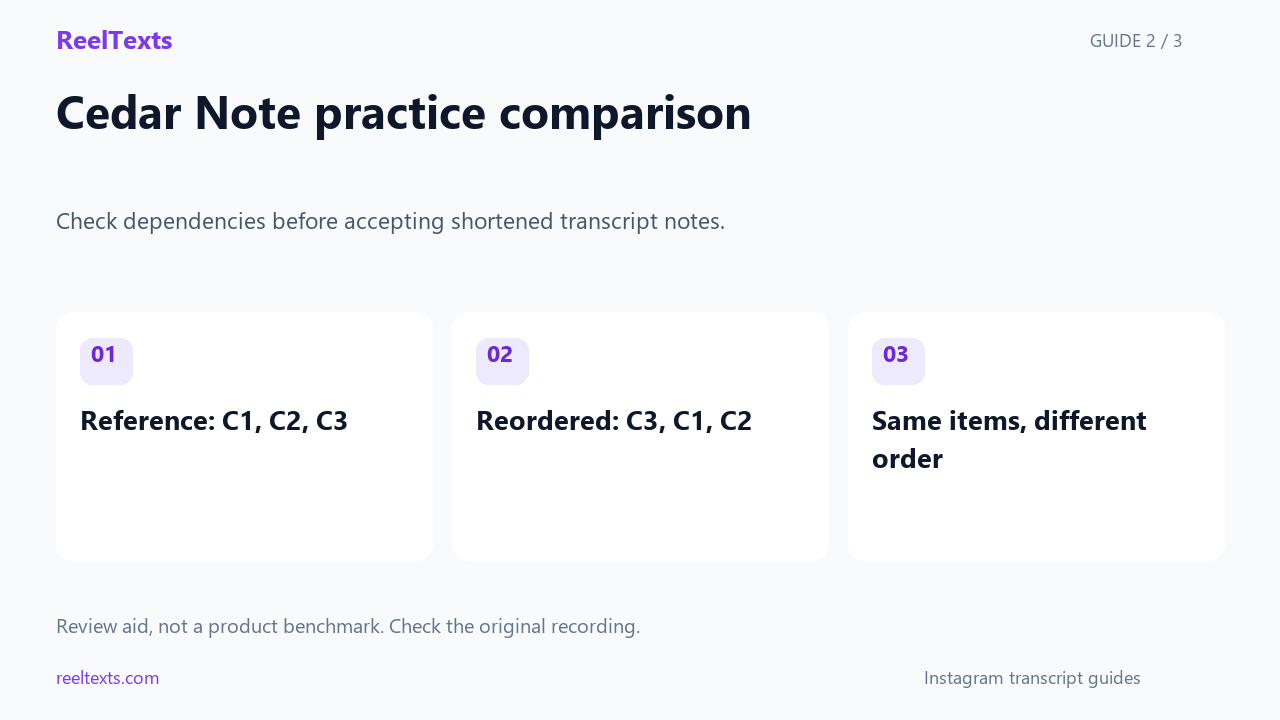
- Reference: C1, C2, C3
- Reordered: C3, C1, C2
- Same items, different order
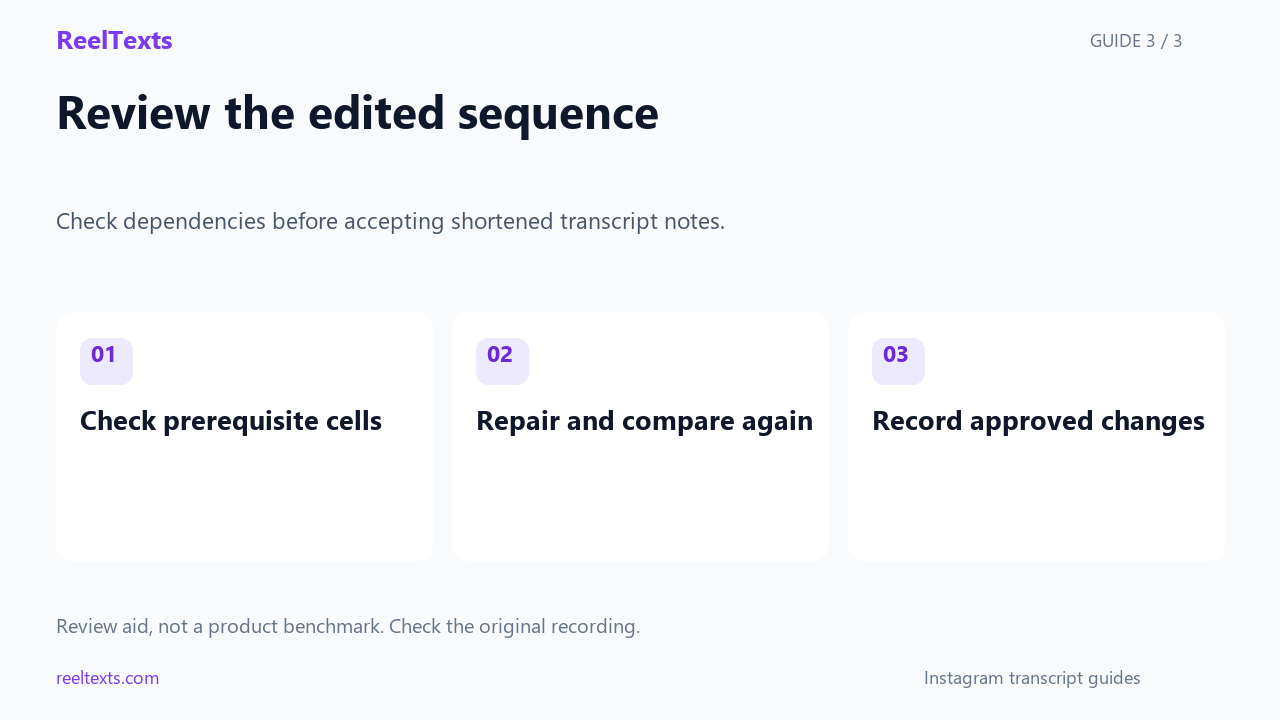
- Check prerequisite cells
- Repair and compare again
- Record approved changes
Watch the narrated guide
English narration with captions. This guide explains the article; it is not a recorded product test.
Read the narration
Keep a numbered reference when turning an Instagram transcript into instructions, and compare the edited notes with the source recording. Our written practice fixture asks you to write a subject line, add a date below it, and review both lines before sharing.
The reordered fixture keeps all three instructions but moves the review ahead of the work that it depends on. A membership comparison can miss this mistake, while an ordered list comparison detects the changed first step.
Record prerequisites beside each instruction, and review any merged steps or moved warnings before accepting the edited notes. This is a local teaching exercise, not a transcription benchmark; a matching sequence does not establish that the recording was transcribed accurately.
A controlled practice exercise
The reference contains three instructions: write the subject line, add the date below it, and review both lines before sharing.
The reordered practice copy contains the same three instructions but puts the review instruction first.
In this exercise, checking membership alone accepts both copies because neither copy has lost an instruction.
Comparing the ordered lists rejects the reordered copy because the first instruction is different.
The mismatch is useful because reviewing both lines depends on those lines already existing.
Equal step counts cannot tell you whether the reader will do the work in the intended order.
Build a dependency worksheet
Start your worksheet with a source position, the instruction, and any condition that must already be true.
For the subject-line instruction, the prerequisite cell can remain empty because this exercise starts with a blank note.
For the date instruction, record that the subject line should already exist above the date.
For the review instruction, record that both the subject line and the date should already exist.
Use these prerequisite cells to explain an ordering decision instead of treating every numbered list as interchangeable.
If the recording corrects an earlier instruction, keep a separate correction note and review the affected step again.
Review edits before sharing
Do not invent timestamps for this practice fixture; it was written directly and has no source recording.
For your own clip, add only timestamps that you have checked by replaying the actual recording.
When you combine two steps into a shorter sentence, verify that the combined sentence still states which action comes first.
When you move a warning into a separate paragraph, check that the reader encounters it before the action it qualifies.
A useful acceptance note identifies the reference version, the reviewed notes version, and the ordering changes that were approved.
This check evaluates a specific editing decision rather than measuring the accuracy of a speech recognition service.
Questions and answers
Can a summary keep every instruction and still be wrong?
Yes, a summary can contain every instruction while changing the sequence or hiding a prerequisite.
Should every transcript sentence become a numbered step?
No, number actionable instructions and keep context or corrections clearly connected to the steps they affect.
What should I do when the spoken sequence is unclear?
Mark the uncertain transition and replay that section instead of silently choosing an order.
Cedar Note worksheet practice
In the Cedar Note practice worksheet, assign C1 to the subject line, C2 to the date, and C3 to the final review.
The Cedar Note reference sequence is C1 followed by C2 followed by C3, whereas the intentionally reordered file begins with C3.
The Cedar Note prerequisite for C3 is the completed pair of C1 and C2; a reader cannot inspect that pair before creating it.
Write Cedar Note acceptance as three separate checks: instruction presence, instruction order, and the prerequisites attached to each instruction.
A Cedar Note presence result of true should never be copied into the order field, because those fields answer different questions.
Keep the Cedar Note reordered file beside the reference file so another reviewer can reproduce the exact comparison.
The Cedar Note comparison uses list equality for sequence and set equality for membership, with no duplicate instructions in either fixture.
Cedar Note does not model pauses, speaker corrections, implied instructions, or ambiguous speech, so those cases still require a source review.
To repair the Cedar Note practice copy, move C3 after C2 without changing the wording of any instruction.
After that repair, run the same Cedar Note comparison again and record both the before and after results.
In your own worksheet, replace Cedar Note identifiers with stable labels that survive later edits and point back to your checked source.
A Cedar Note screenshot can illustrate the exercise, but the downloadable fixture files provide the actual strings used in the comparison.
The Cedar Note example deliberately avoids timestamps because assigning invented source times would make the worksheet misleading.
Use the Cedar Note exercise to practice spotting an early review step before applying the checklist to a real Instagram transcript.
The Cedar Note worksheet marks C3 as blocked until the writer can point to both the completed subject line and the completed date.
Record the Cedar Note reordered sequence as C3, C1, C2 in a separate column so its early review remains visible during comparison.
Do not repair Cedar Note by renaming C3 to C1, because changing the label would hide the original instruction rather than fix its position.
In the Cedar Note review column, write that the position changed and the instruction wording stayed the same.
Save the repaired Cedar Note sequence as C1, C2, C3 and compare it with the untouched reference rather than with the already reordered copy.
A reviewer of Cedar Note should be able to identify the misplaced review without needing an Instagram account or a transcription subscription.
Keep Cedar Note as a tiny practice case and avoid reporting its three-item result as a percentage of real-world transcription accuracy.
The Cedar Note acceptance record should preserve the failed sequence result alongside the repaired result instead of overwriting the failure.
Practice files: reference | reordered | repaired | comparison
Technical reference: Python sequence comparisons.
Keep the acceptance history
The Cedar Note acceptance sheet keeps a dedicated row for the failed C3-first copy and a second row for the repaired C1-first copy.
For Cedar Note, mark the first row as present instructions, rejected order, and unresolved prerequisites until the review step is moved.
Mark the repaired Cedar Note row as unchanged instruction wording and restored sequence, while leaving source transcription accuracy outside this written exercise.
If a Cedar Note reviewer approves a different sequence, require a written explanation of why the review can happen before the two lines exist.
Attach the Cedar Note reference identifier to both acceptance rows so later readers can tell which unchanged strings were compared.
Do not erase the rejected Cedar Note row after repair, because keeping both rows makes the reason for the sequence change inspectable.
Practice files: reference | reordered | repaired | comparison
Technical reference: Python sequence comparisons.
For the Cedar Note practice record, store reviewer initials beside the C3-first rejection so the worksheet distinguishes a checked result from an untouched template.
Keep a Cedar Note notes column for the exact misplaced instruction, rather than writing only a generic message that the summary needs improvement.
The Cedar Note repair record can say that the review moved from position one to position three and that all three instruction strings stayed unchanged.
Before sharing Cedar Note files, open the reference and repaired copy side by side and confirm that their instruction identifiers align row by row.