How do I preserve two languages in an Instagram transcript?
Keep a source-language transcript and a translation in separate fields, replay each language change against the Reel, and mark uncertain wording instead of silently replacing it with a fluent English paraphrase.
An Instagram transcript generator produces a working text, but your review still needs to distinguish words that were spoken from words you supplied while translating them.
This guide offers a manual bilingual review workflow and does not promise that ReelTexts automatically detects every language change or produces a verified translation.
Save the untouched result and identify the exact source-video version before editing, so a later reviewer can tell which recording your bilingual notes describe.
Visual guide: Keep the source beside the translation
Preserve language changes and label added translation separately from spoken wording.
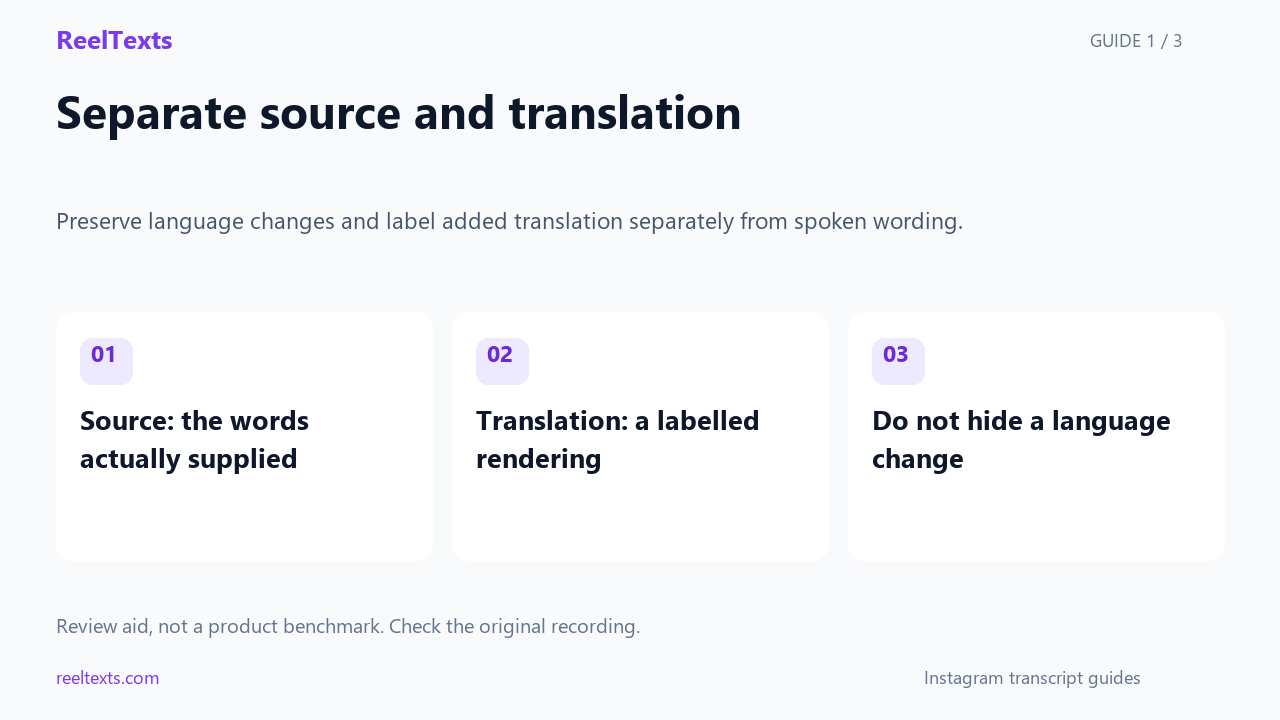
- Source: the words actually supplied
- Translation: a labelled rendering
- Do not hide a language change
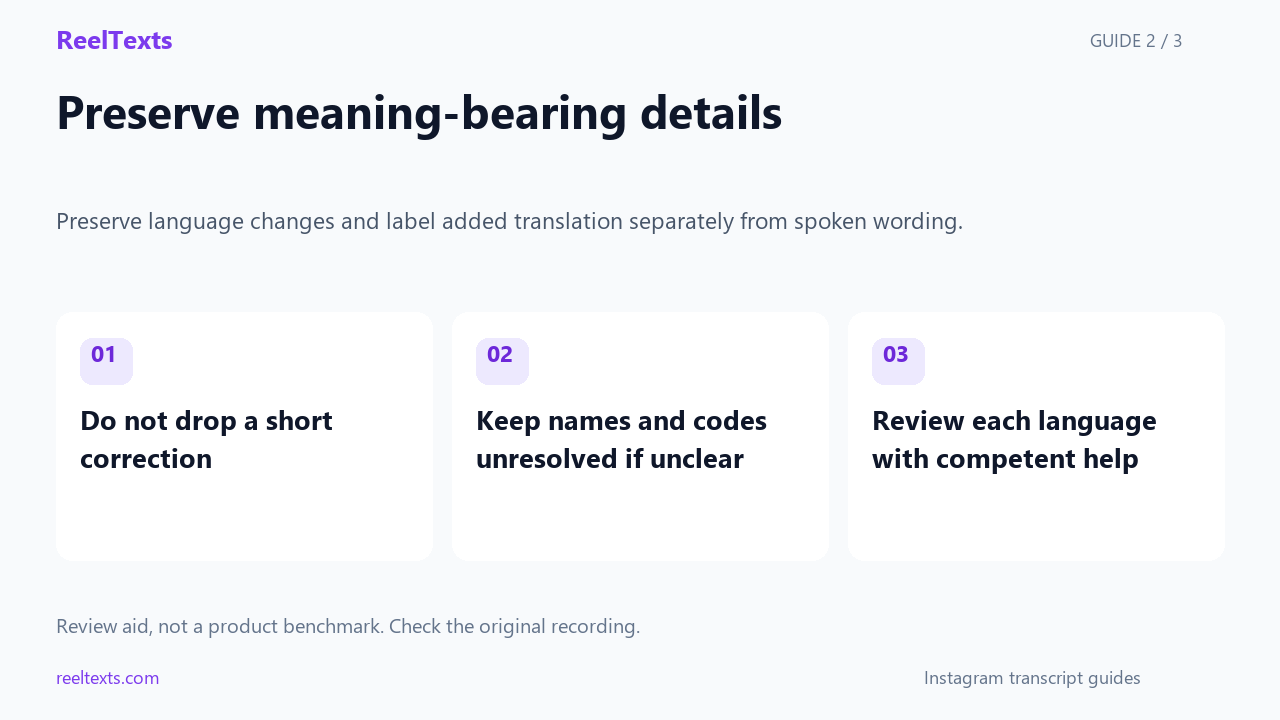
- Do not drop a short correction
- Keep names and codes unresolved if unclear
- Review each language with competent help
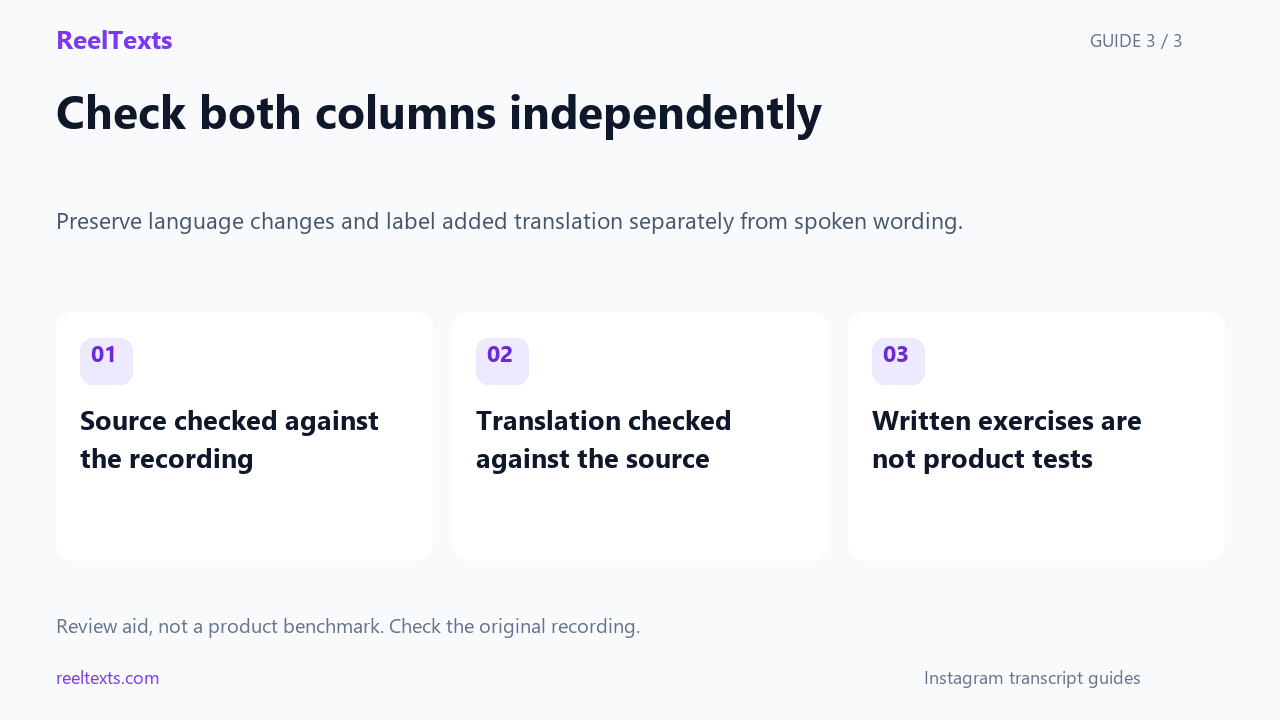
- Source checked against the recording
- Translation checked against the source
- Written exercises are not product tests
Watch the narrated guide
English narration with captions. This guide explains the article; it is not a recorded product test.
Read the narration
Keep source wording and translation in separate fields. A translation is your rendering, not another phrase spoken in the recording. Preserve language changes rather than replacing them with a fluent English paragraph that hides the source.
Short foreign-language corrections can change the meaning of an instruction. Do not drop them because the rest is in English. Verify unclear names and codes, and ask a competent speaker to review language spans you cannot confidently understand.
Review the complete source column against the recording, then review the translation separately for meaning. Keep written teaching exercises separate from real recordings. This workflow does not claim that ReelTexts automatically translates bilingual audio.
An invented bilingual review exercise
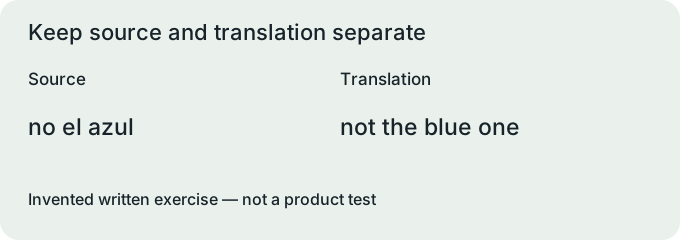
In this invented English-and-Spanish packing exercise, the speaker says Bring the green folder, then adds no el azul, and finally says Meet at the north entrance.
The Spanish phrase in the supplied exercise means not the blue one, so removing it would erase a contrast that matters to the imagined packing instruction.
Write three separate source spans for this exercise, retaining the English instruction, the Spanish correction and the English meeting location in their original order.
Place an English translation of the Spanish span beside its source wording, and label that field translation rather than making the translation look like another phrase spoken in the recording.
No audio accompanies this packing exercise, so the sample demonstrates editorial separation rather than showing a measured transcription or translation result from any product.
For the green-folder practice row, retain no el azul in the source field, place not the blue one in the translation field, and set the evidence field to supplied written exercise rather than pretending you heard an audio clip.
Create a separate decision note for the packing contrast, recording that the source phrase rejects the blue folder while the surrounding English requests the green folder; the two fields let a reviewer inspect both parts without losing the language boundary.
If a reviewer changes not the blue one to avoid the blue folder in this written exercise, record the revised wording as an English rendering choice and keep the Spanish source unchanged so the translation can be checked again.
In the north-entrance practice row, leave the English source as English rather than replacing it with a back-translation; the worksheet's purpose is to retain what was supplied while making any added translation visibly separate.
At the bottom of the packing worksheet, reserve an unresolved-items field for names, ambiguous spans or missing source words, and do not mark the real-video version complete merely because the translation column has become fluent.
When adapting the packing worksheet to your own recording, replace the invented source spans with words verified against that recording, identify the reviewer of each language and preserve a note explaining any remaining uncertainty in the final copy.
Save the practice sheet and the real-video sheet under different filenames, so the supplied green-folder reference cannot accidentally be presented later as a transcript recovered from an actual Instagram video.
Give the packing worksheet two independent completion boxes, source checked and translation checked, and leave the second blank when only the English portions have been reviewed so an incomplete bilingual check does not resemble an approved transcript.
Use the blue-folder correction as a handoff question for a second reviewer: does the translated column still reject the blue folder, and can that reviewer point back to the unchanged Spanish span supporting the rejection?
If the second reviewer disputes the packing translation, retain both proposed renderings in the decision note while keeping one unchanged source span; resolve the disagreement before selecting a translation for the version you publish.
Review your real clip
For your real clip, create a review row at each language change with fields for playback position, source wording, language, translation and unresolved questions.
If a foreign-language span is absent from the generated text, return to the recording and ask a competent speaker to review it instead of filling the gap from the surrounding English.
Preserve names and codes as unresolved source details until you can verify them, rather than translating their apparent meaning as though they were ordinary vocabulary.
Keep punctuation choices distinct from translation decisions, because rewriting two short source spans into one polished sentence can conceal where a language change occurred.
Before sharing the edited text, compare the complete source-language column with the video and review the translation column separately for whether it preserves the intended meaning.
Questions and answers
Can I delete the Spanish correction from the packing example?
No: in this invented reference, doing so removes the instruction to avoid the blue folder.
Can I treat a translation as a verbatim quotation?
No: label it as a translation and preserve the corresponding source wording so the distinction remains visible.
What if I cannot identify the language of a short phrase?
Mark that phrase unresolved and seek clarification rather than guessing a language name or presenting a speculative translation as verified.