How do I check accented characters in an Instagram transcript TXT file?
Keep the original download, reopen a working copy as UTF-8, and compare its accented letters with the text shown in the browser before saving any replacement file.
If the browser text is correct but the downloaded file looks garbled, investigate the reader's decoding choice before treating the problem as a speech-recognition error.
If the browser text is already wrong, changing the file's encoding will not establish what the speaker actually said; review the source recording separately.
This guide uses a controlled local text exercise, not an Instagram transcription benchmark, to show how the same bytes can be displayed differently by different decoding choices.
Visual guide: Keep the original; check the decoder
Separate a file-reading mismatch from a spoken-word error.
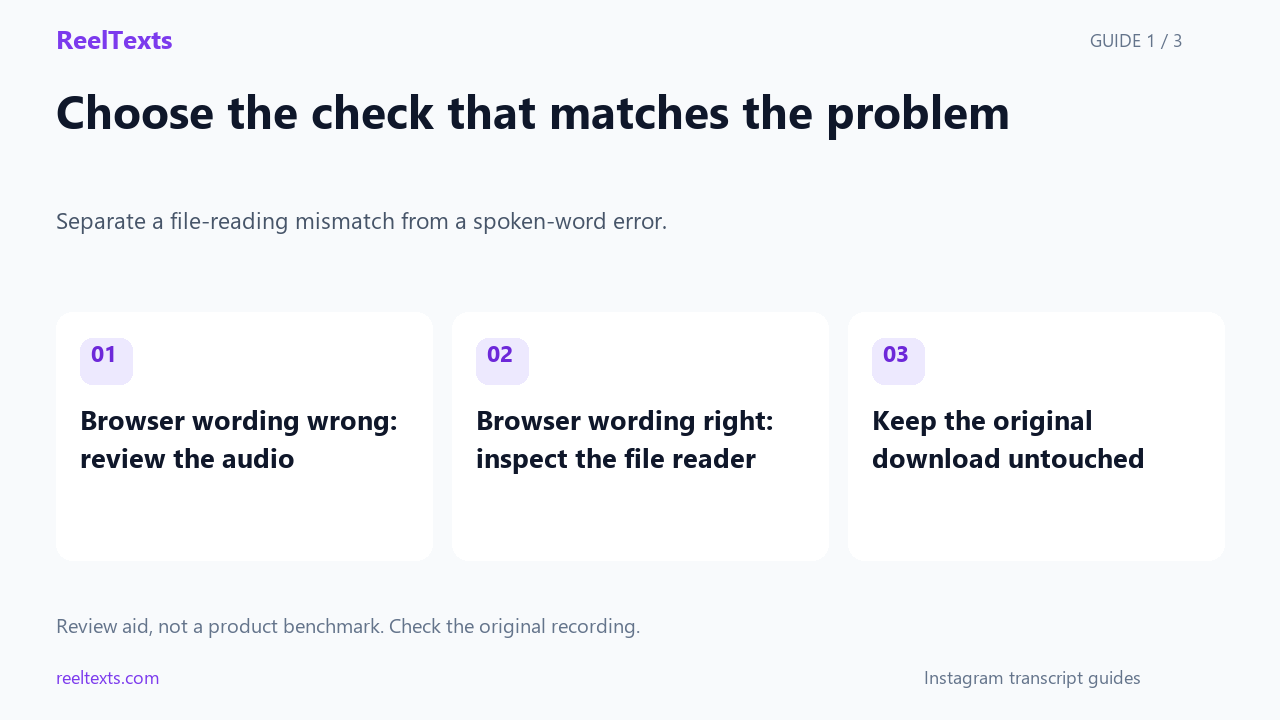
- Browser wording wrong: review the audio
- Browser wording right: inspect the file reader
- Keep the original download untouched
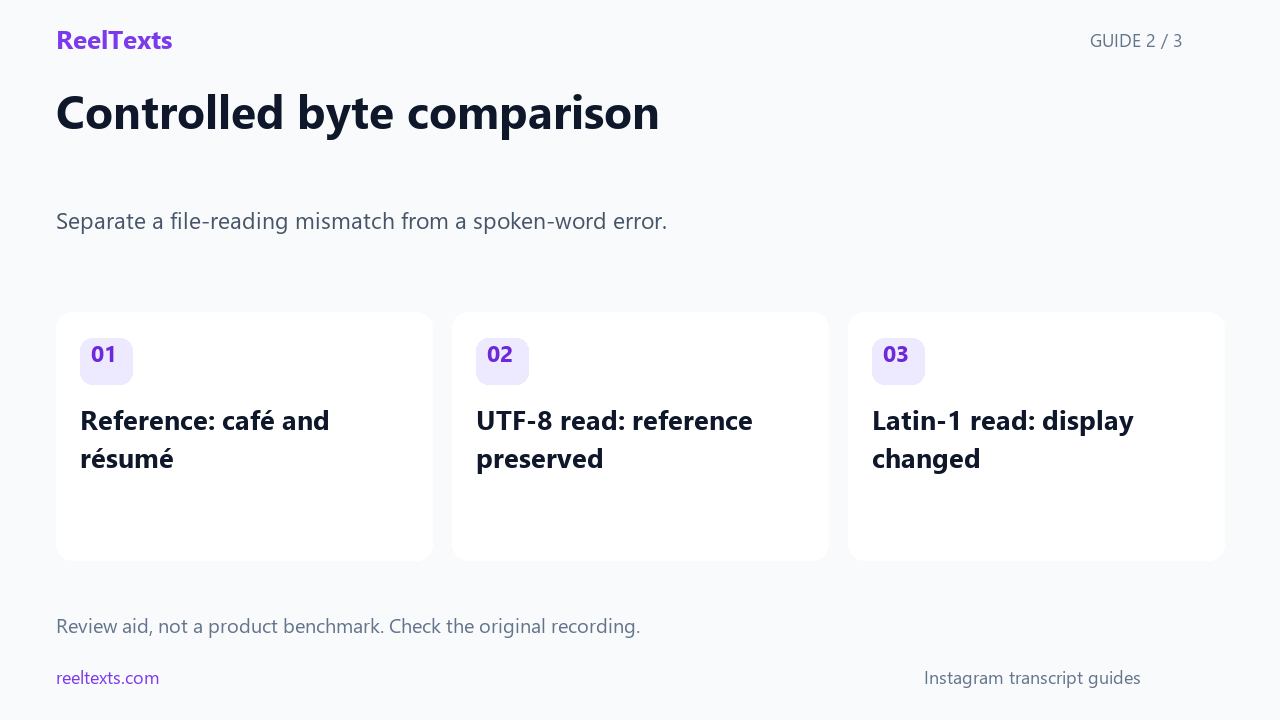
- Reference: café and résumé
- UTF-8 read: reference preserved
- Latin-1 read: display changed
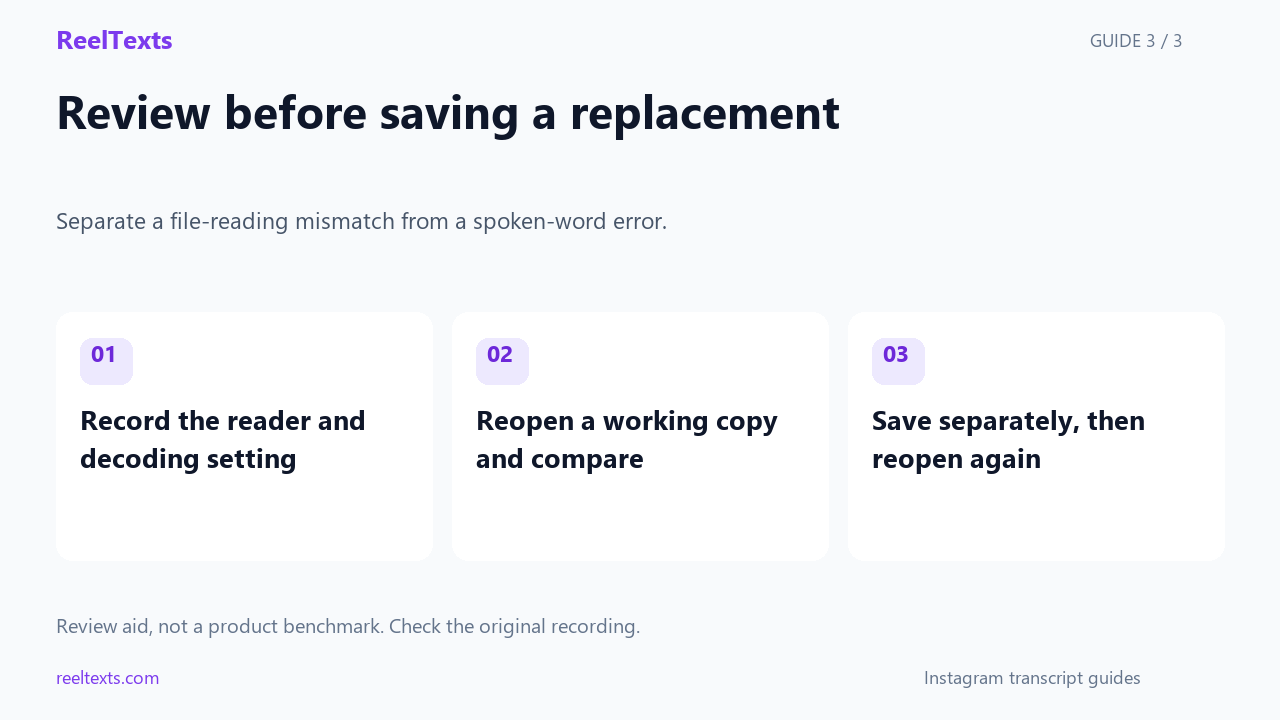
- Record the reader and decoding setting
- Reopen a working copy and compare
- Save separately, then reopen again
Watch the narrated guide
English narration with captions. This guide explains the article; it is not a recorded product test.
Read the narration
Keep the original text file before changing how you open it, and compare a working copy with the text shown in your browser. A correct browser display and a garbled file display can call for different checks from a transcription that already contains the wrong words.
Our controlled exercise writes an original phrase with accented letters as UTF-8, then reads it back using the same encoding. The round trip preserves the reference, while deliberately reading those bytes as Latin-1 changes the displayed text; this is not a video transcription test.
Record the reader and its decoding setting, reopen a working copy when possible, and inspect the characters that looked wrong. Save a separate reviewed copy only after checking it, then reopen that copy; keep spoken-word verification distinct from file-decoding checks.
A controlled encoding exercise
Our original practice reference is café | mañana | résumé | north gate, chosen to put several accented letters beside a plain English location.
We encoded that exact reference as UTF-8 in Python, wrote the resulting bytes to a file, and decoded those bytes as UTF-8 again; the recovered string matched the reference exactly.
The controlled file contains 39 bytes and 35 Unicode code points, and those two counts describe different properties rather than measuring transcription accuracy.
Reading the same bytes as Latin-1 produced a visibly different string in our exercise, even though we had not changed the file's bytes or run a transcription model.
The café section changed from its intended accented letter to a two-character sequence under the wrong decoder, illustrating why a file-viewing mismatch can resemble corrupted wording.
Keep this practice file separate from any real transcript and label its results as a controlled encoding demonstration, so nobody confuses the exercise with a test of ReelTexts on a video.
For the controlled café-and-north-gate worksheet, put the 39-byte file in the source column and the displayed phrase in a separate reader column, so changing an application setting cannot be mistaken for changing the reference itself.
Use the downloadable check record to confirm that the practice reference round-tripped as UTF-8, then compare the Latin-1 display with that reference; the record reports a local text exercise rather than a downloaded Instagram transcription.
Record the practice filename alongside its 39-byte size before reopening it, and keep that observation separate from whether café looks correct on screen; a byte count alone cannot confirm the intended characters.
If the practice file opens correctly in one reader and incorrectly in another, note both decoding choices beside the same reference phrase instead of rewriting the accented words to make the two readers appear to agree.
For this exercise, leave north gate unchanged while checking café, mañana and résumé individually, which gives you a plain-English comparison point without treating unchanged English letters as evidence that every accented letter was decoded correctly.
After a successful display check, reopen the separate saved copy and compare all four practice fields once more, keeping the reference file untouched so another reviewer can repeat the same controlled comparison.
Check your own downloaded text
For a real export, note the filename, the application used to open it, the chosen decoding setting and whether the browser version still displays the intended wording.
Use an editor's reopen-with-encoding operation on a working copy when available, then compare a distinctive name or accented word with the original browser text.
Do not save a garbled display over the only original file while experimenting, because that would mix a reading problem with a later rewriting operation.
After the wording displays correctly, save a separate reviewed UTF-8 copy if that is the format your destination accepts, and reopen the saved copy to check it again.
A text file opening without an error does not prove its words were decoded as intended, so inspect the specific characters that prompted the investigation rather than only checking that the file loaded.
In the practice worksheet, record the reference phrase, the selected decoder and the displayed phrase in separate fields, retaining the failed Latin-1 display as a comparison rather than rewriting the reference.
Questions and answers
Can an encoding change fix a name that was transcribed incorrectly?
No: it can change how bytes are interpreted, but it cannot verify the spoken name against the recording.
Should I overwrite the original after trying a different decoder?
No: preserve the original and only save a separate copy after comparing the displayed wording with your intended reference.
Does this exercise prove that every Instagram transcript generator preserves accented letters?
No: it demonstrates one controlled byte round trip and one deliberately wrong decoding choice, not the behavior of every product.
Download the controlled UTF-8 practice file · Blob string encoding reference