Handle Speaker Corrections in an Instagram Transcript
To handle a speaker's correction in an Instagram transcript, replay the correction, link it to the earlier statement, and keep a source transcript separate from any edited action notes.
Do not turn a withdrawn instruction and its replacement into two tasks unless the recording clearly asks for both.
An Instagram transcript generator provides a starting text, but the decision about what the speaker replaced still needs a source review.
Choose your transcript style before deleting words: a source record and a concise action note serve different purposes.
Published transcription style guides apply different rules to false starts, so do not assume that removing every restart is appropriate for every project.
This page uses the written Birch Card practice fixture to explain the editing decision; it is not a transcription product test.
Visual guide: Keep the correction linked
Separate the unchanged source from the accepted action.
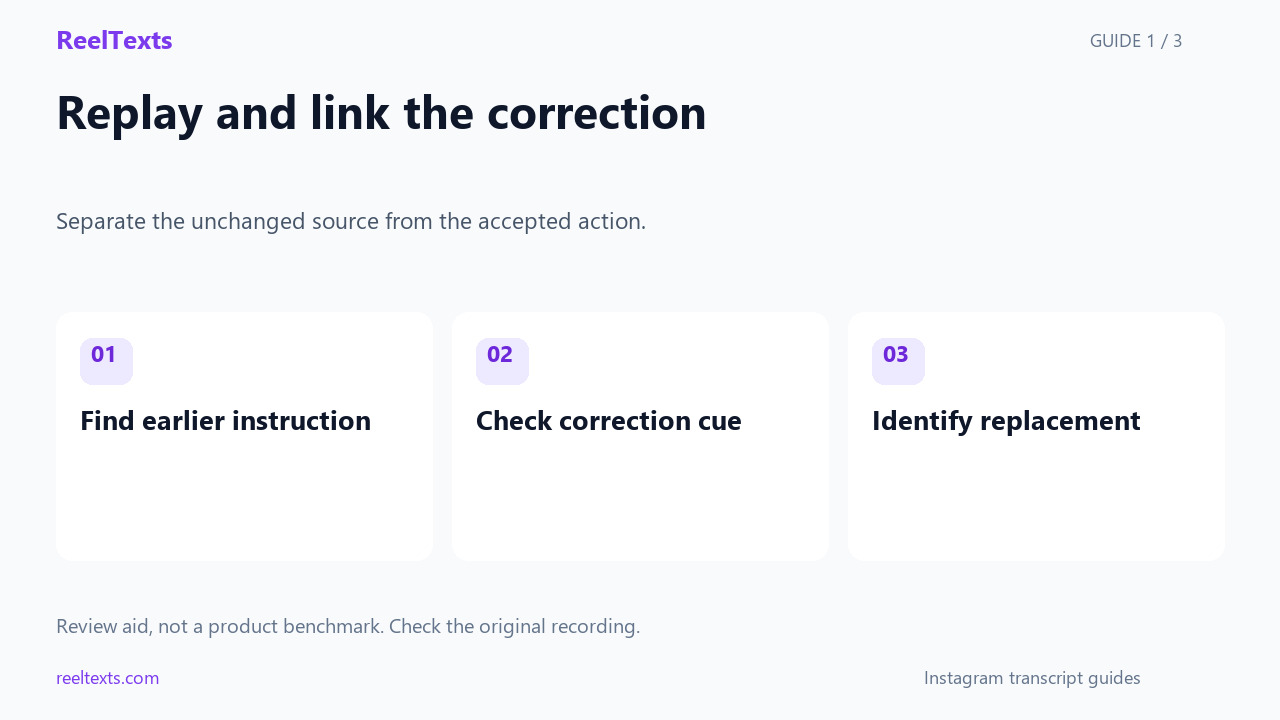
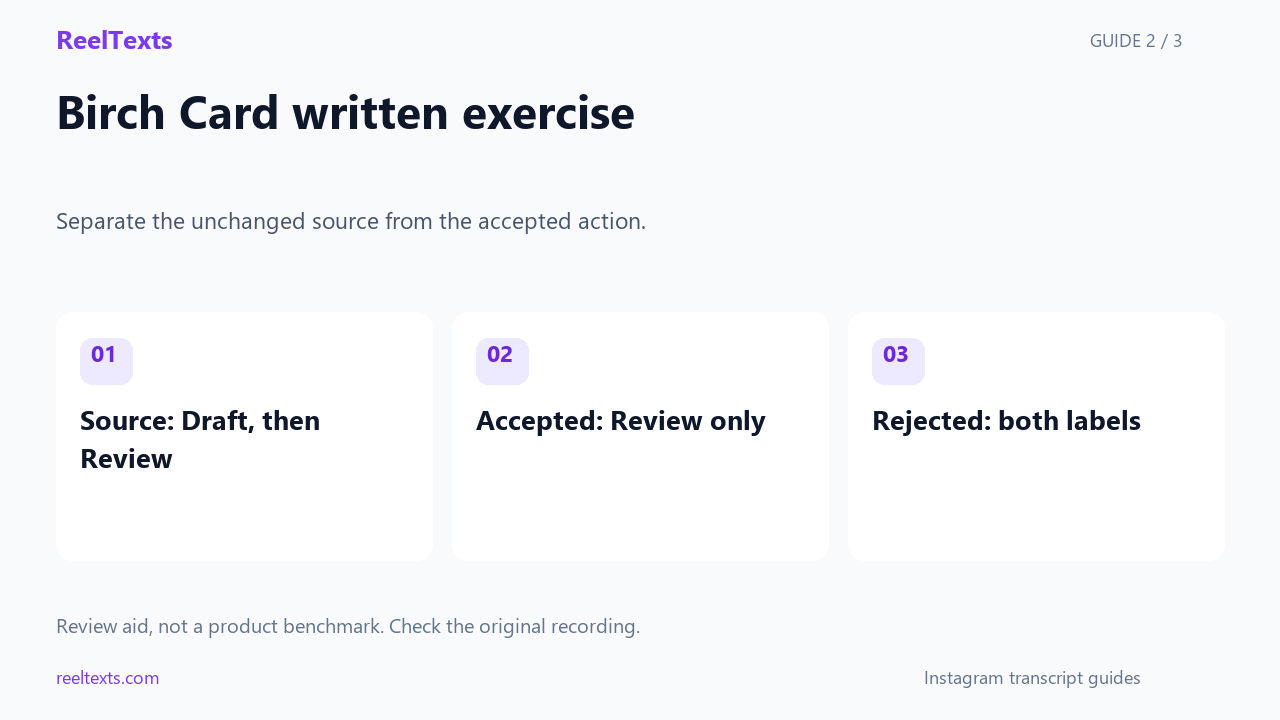
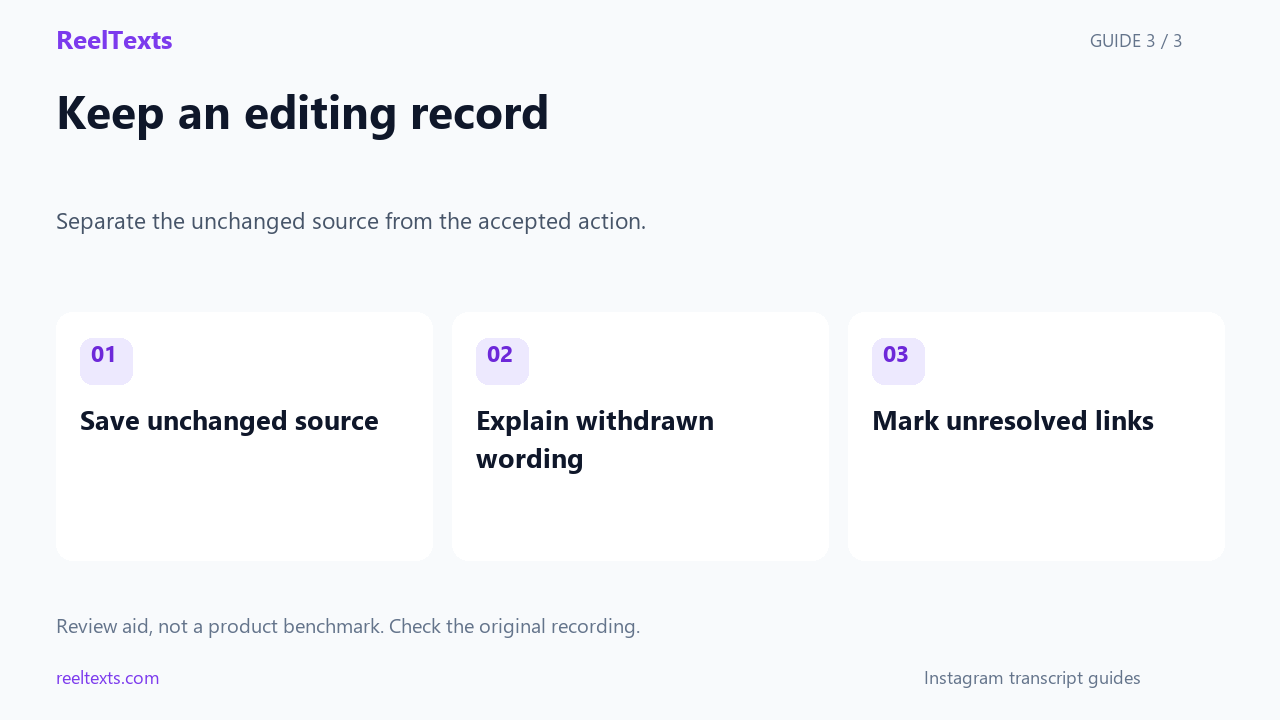
Watch the narrated guide
English narration with captions. This guide explains the article; it is not a recorded product test.
Read the narration
Replay a speaker's correction and connect it to the earlier statement before editing an Instagram transcript into action notes. Our written Birch Card exercise replaces the Draft label with Review, keeping the correction cue in the source copy.
The source record retains both statements, while the action note uses the replacement and explains which earlier wording was withdrawn. The flawed practice note asks for both labels and illustrates how a correction can accidentally become an extra task.
Record the earlier statement, the correction cue, the replacement, and any uncertainty in separate worksheet fields. This written exercise is not a transcription benchmark; unclear corrections in real recordings still require playback and review.
Birch Card written practice
The Birch Card fixture first says to label a note Draft and then says to use Review instead.
In Birch Card, the word instead connects the Review label to the earlier Draft label rather than introducing a second note.
The Birch Card source copy keeps both labels and the correction cue so a reviewer can see how the intended instruction changed.
The Birch Card action note asks for the Review label and adds a separate note that Draft was withdrawn.
The intentionally flawed Birch Card action note asks for both Draft and Review, creating an extra action that the fixture never requests.
Build a correction worksheet
The Birch Card worksheet has four fields: earlier instruction, correction cue, replacement instruction, and unresolved ambiguity.
Fill the Birch Card earlier-instruction field with the Draft label instead of silently erasing that part of the source record.
Fill the Birch Card correction-cue field with instead, because that is the explicit link available in this written exercise.
Fill the Birch Card replacement-instruction field with the Review label and keep its target attached to the same note.
Leave the Birch Card ambiguity field empty only because the written fixture explicitly links the replacement to the same label.
A real clip may contain a pause, a change of speaker, or an unclear reference that this tiny written fixture does not model.
For an unclear real correction, mark the disputed passage and replay the surrounding audio rather than guessing what was withdrawn.
When the correction changes a date, amount, name, or condition, check the corrected value directly against the recording.
Do not add a timestamp to Birch Card, because the practice fixture was written directly and has no original recording.
For a real recording, retain only source positions that you have actually checked during playback.
Keep editorial clarification outside the quoted source text so readers can distinguish your decision from the speaker's words.
Questions and answers
Can I remove every false start from my transcript?
No, decide according to the intended transcript style and preserve any restart that changes meaning or supplies necessary context.
How do I tell a correction from an additional instruction?
Look for an explicit link to the earlier statement and review the surrounding recording; when that link is unclear, keep the uncertainty visible.
Should the original wording disappear from my action notes?
The action note can be concise, but keep a separate source copy and a correction record that explains the change.
Review and keep the decision
Review the Birch Card action note by checking that Review is the only requested label and that the withdrawn Draft wording remains available in the source copy.
Record the Birch Card acceptance decision beside both versions so a later reviewer can trace the edited instruction back to the unchanged fixture.
Do not report the Birch Card acceptance decision as a recognition accuracy score, because no speech recognition system was run.
Keep the rejected Birch Card two-label note as a practice counterexample rather than overwriting it with the corrected version.
If you adapt Birch Card to a real clip, replace the written cue with the actual checked words and document any uncertainty about their target.
The Birch Card worksheet should show a pending decision whenever the replacement refers to a different object than the earlier instruction.
Before approving Birch Card, confirm that the action note has not copied the withdrawn label into a checklist as another required task.
Birch-R7 correction ledger
The Birch-R7 correction ledger assigns B7-old to the withdrawn Draft instruction and B7-new to the replacement Review instruction.
In the Birch-R7 ledger, write B7-new replaces B7-old rather than listing B7-old and B7-new as independent accepted actions.
The Birch-R7 source copy stays untouched while the accepted-action file contains only the Review instruction and an editorial correction note.
The Birch-R7 rejected-action file deliberately contains two label requests so reviewers can practice detecting the added task.
Use the Birch-R7 relationship field to point from the replacement identifier back to the withdrawn identifier, preserving the reason for the edit.
The Birch-R7 acceptance check rejects a note whenever its requested-label list still contains Draft alongside Review.
The Birch-R7 source-retention check asks whether Draft and the correction cue remain visible in the separate source copy.
Passing the Birch-R7 label check alone does not establish source fidelity; the source-retention check answers a different question.
If Birch-R7 loses its correction cue during editing, mark the relationship unverified instead of reconstructing an invented speaker intention.
A Birch-R7 reviewer can approve the concise note while retaining the unchanged fixture and a separate explanation of the withdrawn label.
Keep the Birch-R7 earlier wording in the correction ledger even when the final action note no longer repeats it.
The Birch-R7 uncertainty field should describe the missing link specifically, such as an unclear target note, instead of using a generic confidence score.
Do not infer a second target note in Birch-R7 merely because two different label words appear in the source string.
The Birch-R7 exercise contains no audio track, so its downloadable comparison checks written label lists rather than spoken pronunciation.
When adapting Birch-R7 to actual audio, replace B7-old and B7-new with identifiers tied to checked source passages.
An adaptation of Birch-R7 needs a new review if the correction changes the object rather than only its label.
The Birch-R7 checklist separates speaker correction from editor correction so a reviewer knows who changed the instruction.
An editor-added Birch-R7 explanation belongs in the ledger and must not be inserted into the untouched source as quoted speech.
Keep the failed Birch-R7 two-label result beside the accepted one-label result to show which editing mistake was repaired.
The Birch-R7 repair removes the withdrawn task from the action list without removing the withdrawn wording from the retained source.
Before sharing Birch-R7 files, inspect the source string, accepted labels, rejected labels, and correction relationship together.
The Birch-R7 exercise intentionally uses a harmless note label so the reader can focus on correction handling rather than subject expertise.
Use the Birch-R7 record as an editing worksheet, never as evidence that any Instagram transcript generator recognizes corrections automatically.
The Birch-R7 next-review field can remain pending until a second reader checks that the replacement refers to the same note.
Practice files: source | accepted | rejected | comparison
Style references: Rev transcription guidance and Language Development Project utterance guidance.