How do I check caption timing after transcribing an Instagram Reel?
Play your Instagram video with the exported subtitle file, compare each cue with the corresponding speech, and fix timing separately from wording; a plain text transcript does not supply a verified caption schedule.
If your Instagram transcript generator only provides TXT, keep that text as the wording reference and create timings in a subtitle editor using your source video rather than inventing them from sentence length.
ReelTexts currently provides plain text, so the timing worksheet below is an editing aid, not a claim that this site exports SRT or that a generated transcript already contains verified timestamps.
Use the same video version throughout the review, because trimming the opening, moving a clip or changing playback speed can make a previously aligned subtitle file refer to different moments.
Visual guide: Words and timing need separate checks
Verify subtitle cues against the exact video version; TXT is not a timing file.
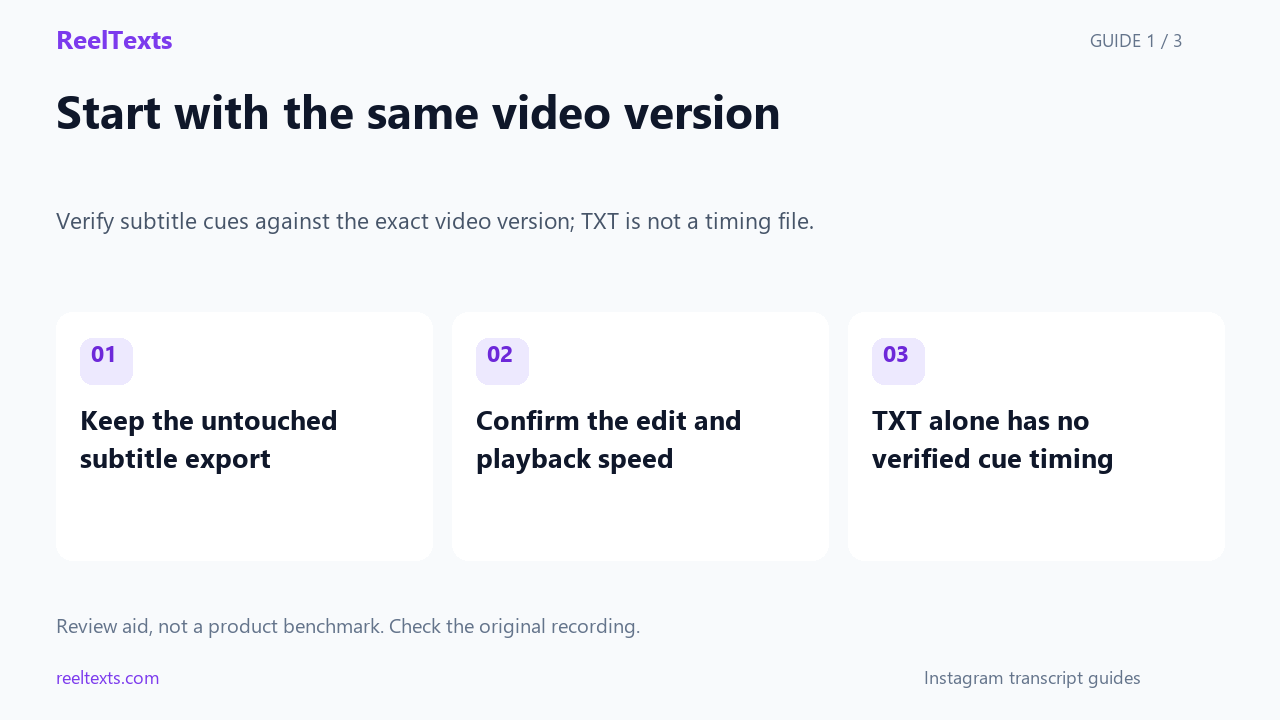
- Keep the untouched subtitle export
- Confirm the edit and playback speed
- TXT alone has no verified cue timing
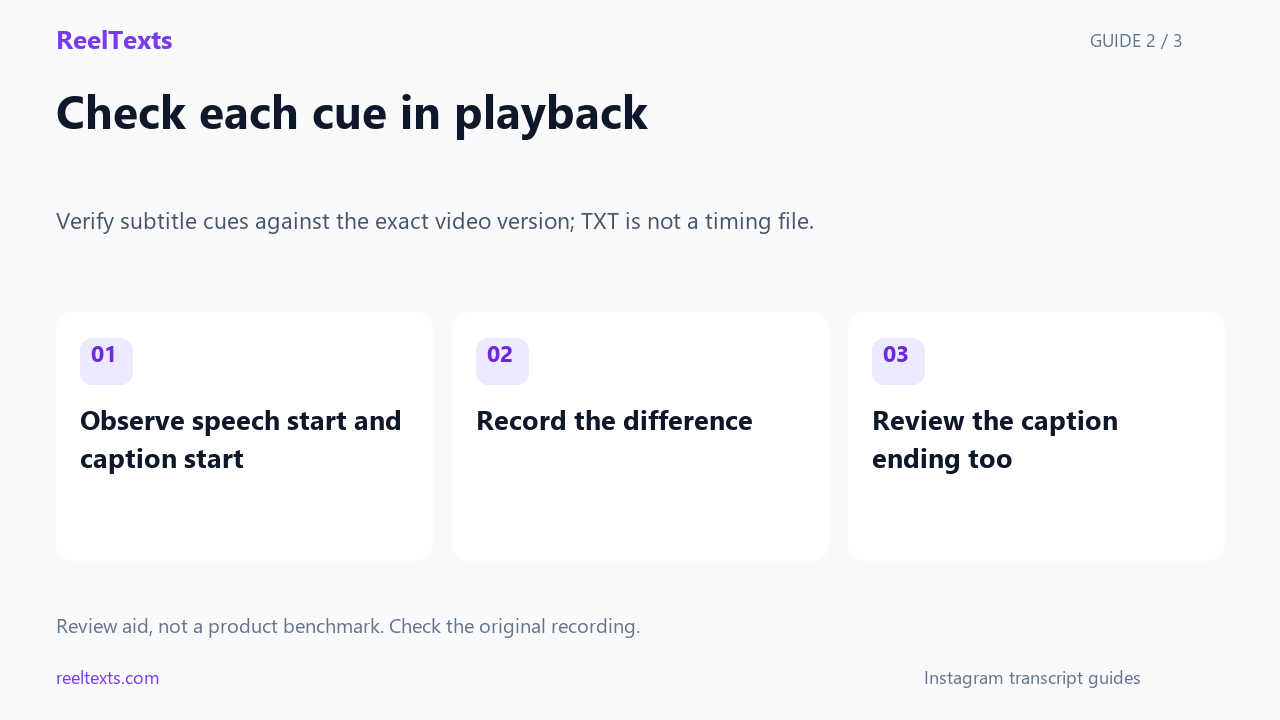
- Observe speech start and caption start
- Record the difference
- Review the caption ending too
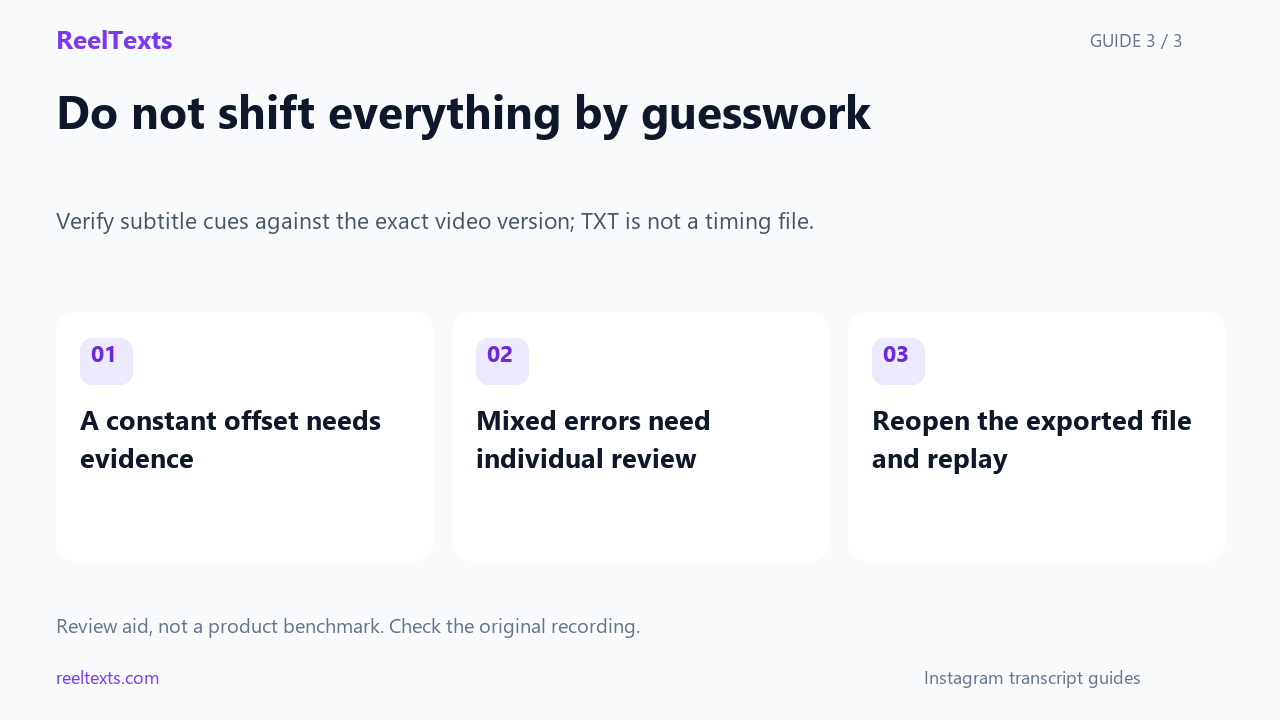
- A constant offset needs evidence
- Mixed errors need individual review
- Reopen the exported file and replay
Watch the narrated guide
English narration with captions. This guide explains the article; it is not a recorded product test.
Read the narration
Use the same source-video version throughout subtitle review. A different trim or playback speed can change alignment. Keep the untouched export. Plain text provides wording, not a verified schedule for when captions should appear.
For each reviewed cue, compare when the speech begins with when its caption appears. Record the proposed adjustment. Check the ending and readability as well. Mark positions as approximate when they were located only by eye and ear.
Only use one global shift when your checks support a consistent offset. Different errors need separate adjustments. After exporting, reopen the file in the intended player and review it again. The article exercise is not a product benchmark.
A transparent timing exercise
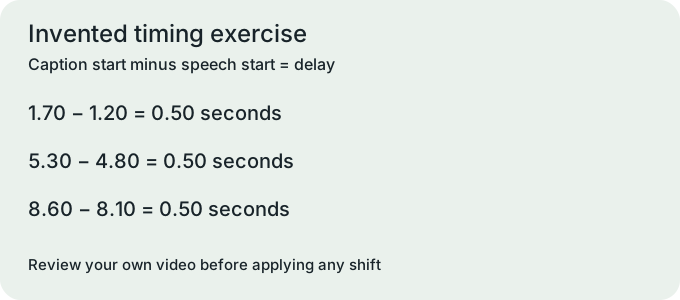
The following Cedar exercise is invented for teaching: imagine three spoken phrases beginning at 1.20, 4.80 and 8.10 seconds, with corresponding captions beginning at 1.70, 5.30 and 8.60 seconds.
Subtract the imagined speech start from each caption start in the Cedar exercise, giving a delay of 0.50 seconds in all three rows; this is arithmetic on invented inputs, not a measured transcription benchmark.
For this exercise only, shift all three caption starts earlier by 0.50 seconds, and shift their ends by the same amount so that the displayed duration of each cue remains unchanged.
Do not apply that Cedar adjustment to your real file without checking the source video, because a shared offset in a teaching example does not establish a shared offset in your recording.
If your first real cue is late but a later cue is early, record each difference separately and revisit those sections instead of assuming that one global shift will repair the whole file.
Check your real subtitle file
Use a worksheet with five fields for every reviewed cue: the current start, the observed speech start, their difference, the proposed edit and the result after replay.
Mark the observed speech position as approximate when you locate it by eye and ear, and do not present a player's coarse time display as millisecond-level measurement.
After an edit, replay the caption entrance and exit with surrounding audio, then check a later unchanged cue to see whether your editor's operation affected more than the selected row.
Treat an overlap as something to inspect in context rather than proof of a broken file, since the WebVTT specification described in MDN permits overlapping cues outside chapter tracks.
For WebVTT, confirm that each cue's end is later than its start and that start times remain in nondecreasing order, and use the format-specific timestamp syntax rather than mixing it with SRT punctuation.
Before publishing, reopen the exported subtitle file in the intended player, check that it actually loads, and review whether each phrase stays readable during its available display time.
Keep the untouched export beside the edited file and record your chosen video version, so another reviewer can reproduce which media and subtitle pair you actually checked.
Questions and answers
Can I repair timing by correcting the transcript's words alone? No: word correction and cue timing are separate review tasks, so changes to one require checking the other in playback.
Should I automatically subtract half a second from every caption? No: that value belongs only to the invented Cedar exercise, and your real corrections must come from reviewing your own video.
Source: MDN WebVTT format reference.